
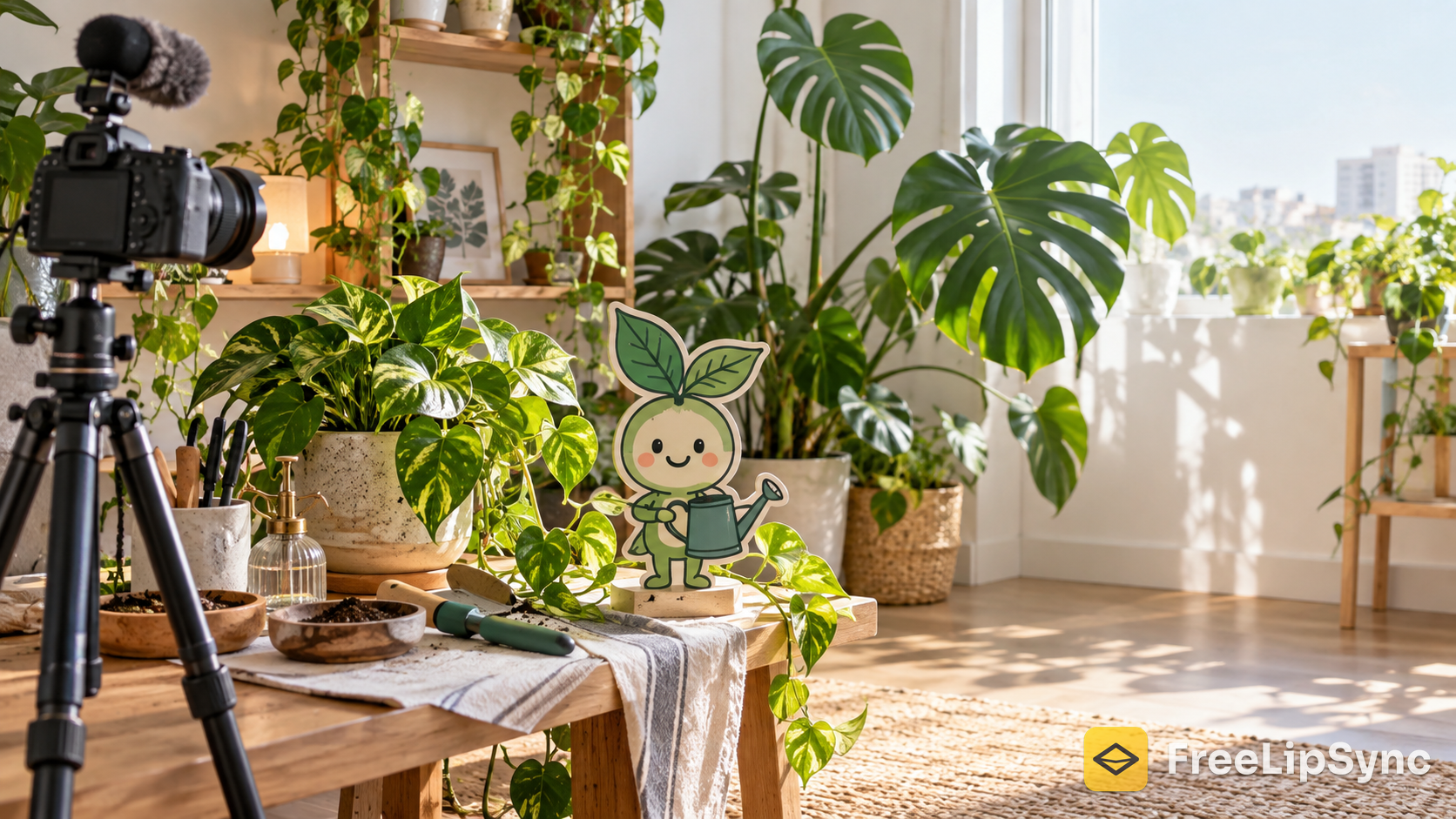
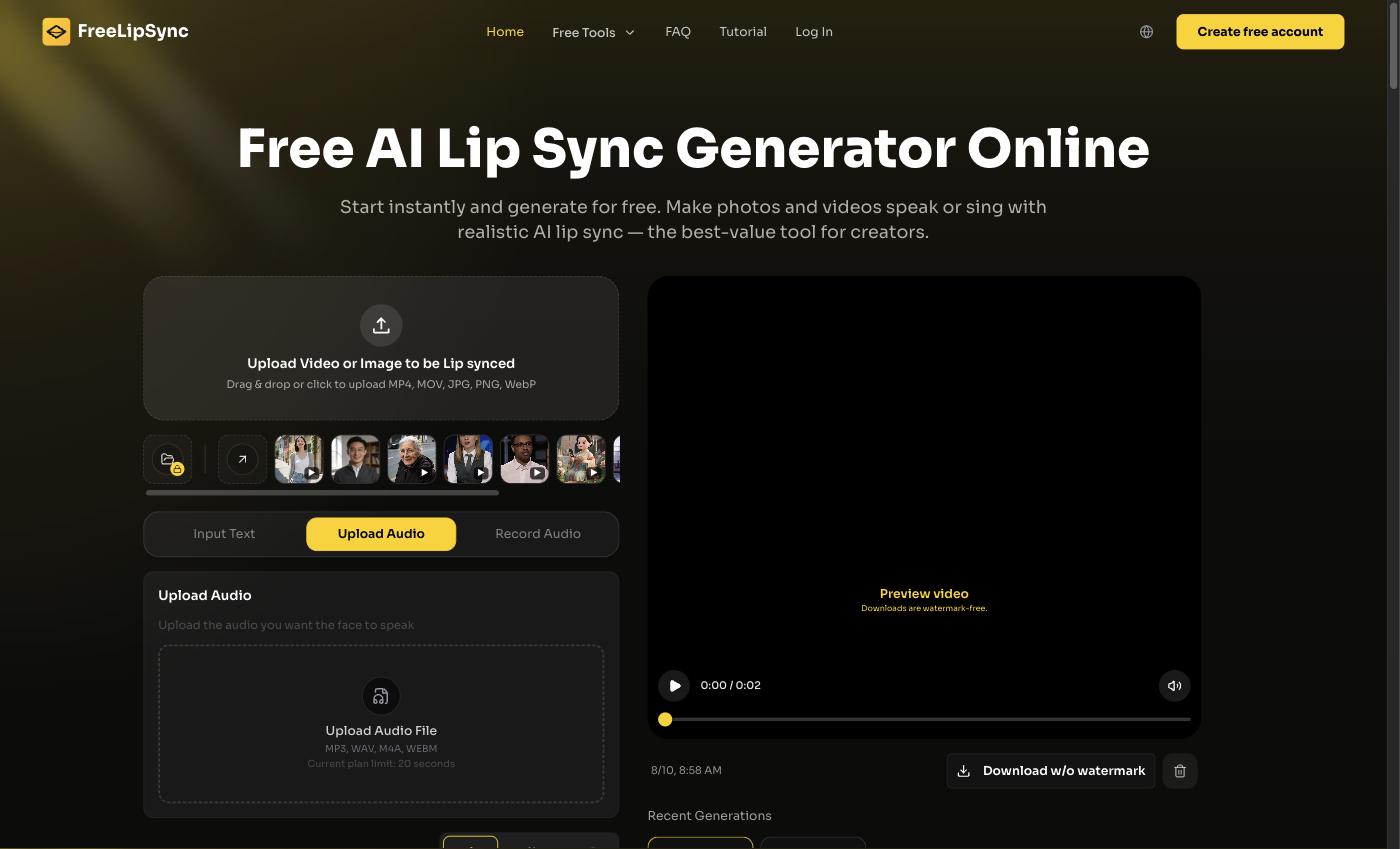
 The FreeLipSync home screen — where my little cartoon plant-nerd learned to move his mouth.
I kill real plants. That's the joke that started the whole thing. I'm decent at talking about houseplants — light, watering, why your monstera is sulking — but I hate being on camera, and my apartment lighting is a crime. So I built a faceless channel around a character instead: a chirpy little illustrated mascot I call "Sprout," a cartoon guy with a watering can who explains plant care in short clips.
Plants are honestly the perfect faceless niche. The plant is the star, the tips are evergreen, and nobody needs to see my face to trust that yes, you're overwatering that pothos. The only missing piece was making Sprout actually talk. Here's the exact setup I use.
Quick Verdict
If you want a cartoon mascot that lip-syncs to your voice without After Effects or a rigging headache, the fastest route I found is a single illustration plus a free tool that animates the mouth to your audio. I use the free cartoon lip sync tool at FreeLipSync — no watermark, no sign-up, one clip at a time. Make your cartoon character talk here.
Why a character beats a faceless voiceover
Here's what I noticed lurking in the faceless-YouTube world: gardening and plant care get recommended constantly as a good niche because the subject films itself. But a slideshow with a voiceover blends into a thousand others. The moment I gave the channel a recurring face — even a drawn one — retention jumped, because people started coming back for Sprout, not just the tips.
The niche math is friendly too. Plant/lifestyle content sits in a modest ad-RPM band (roughly $3–$10 per thousand views is the range people report), so the real money is affiliates — soil, grow lights, planters — plus sponsorships and maybe a digital care-guide down the line. A character makes all of that easier to sell, because now you have a mascot, not a faceless account.
How I actually make Sprout talk
I draw Sprout once (well, I commission one clean illustration — same character every time so he's recognizable). Then I write a short script, about six sentences, record it in my own voice or generate a voiceover, and feed the drawing plus the audio into the cartoon lip sync tool. It maps the mouth movements to the words, and Sprout is suddenly mid-sentence about drainage holes.
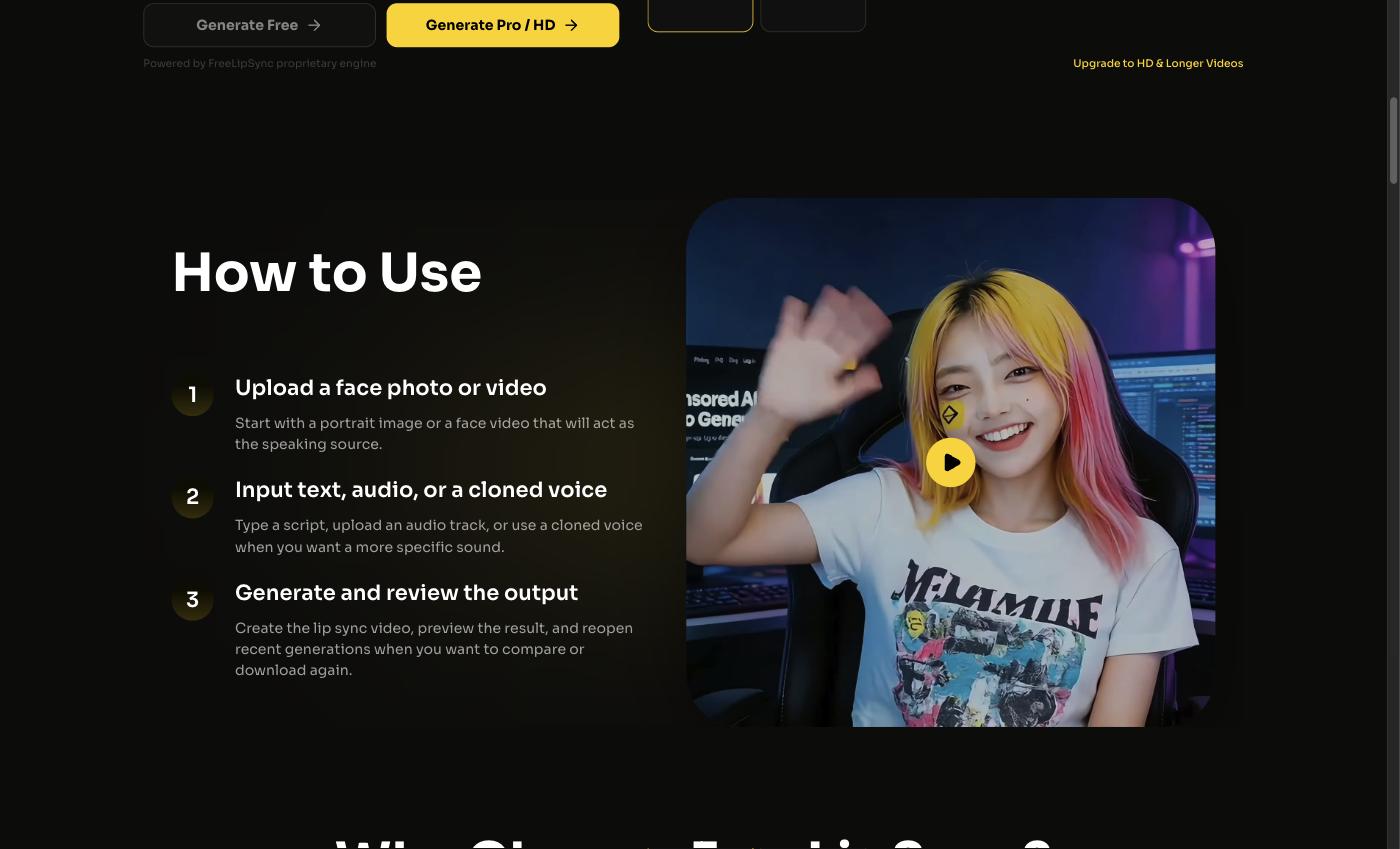 Upload the character art, add audio or type a script, generate. That's one episode.
I keep clips to about 20 seconds. That's not a compromise — it's the ideal length for Reels, Shorts, and TikTok. "Here's your problem, here's the fix, done" outperforms a rambling three-minute lecture every time.
One rule I hold myself to: the art is original (mine or licensed), the channel is labeled as AI-assisted, and I fact-check every plant tip before Sprout says it. A cute mascot confidently giving wrong care advice is how you kill someone's fiddle-leaf fig — so anything I'm unsure about, I verify or leave out.
What the free tier actually gives you
I started on FreeLipSync's free plan, and it's genuinely free — $0 forever, no sign-up, no watermark. The limits worth knowing: up to 20 seconds per video, 133 characters of text-to-speech per clip, and you render one at a time. For short-form character comedy-slash-tips, 20 seconds is exactly right. And the no-watermark part matters more than people admit — a watermark instantly reads "template account" and kills the illusion that Sprout is a real little guy.
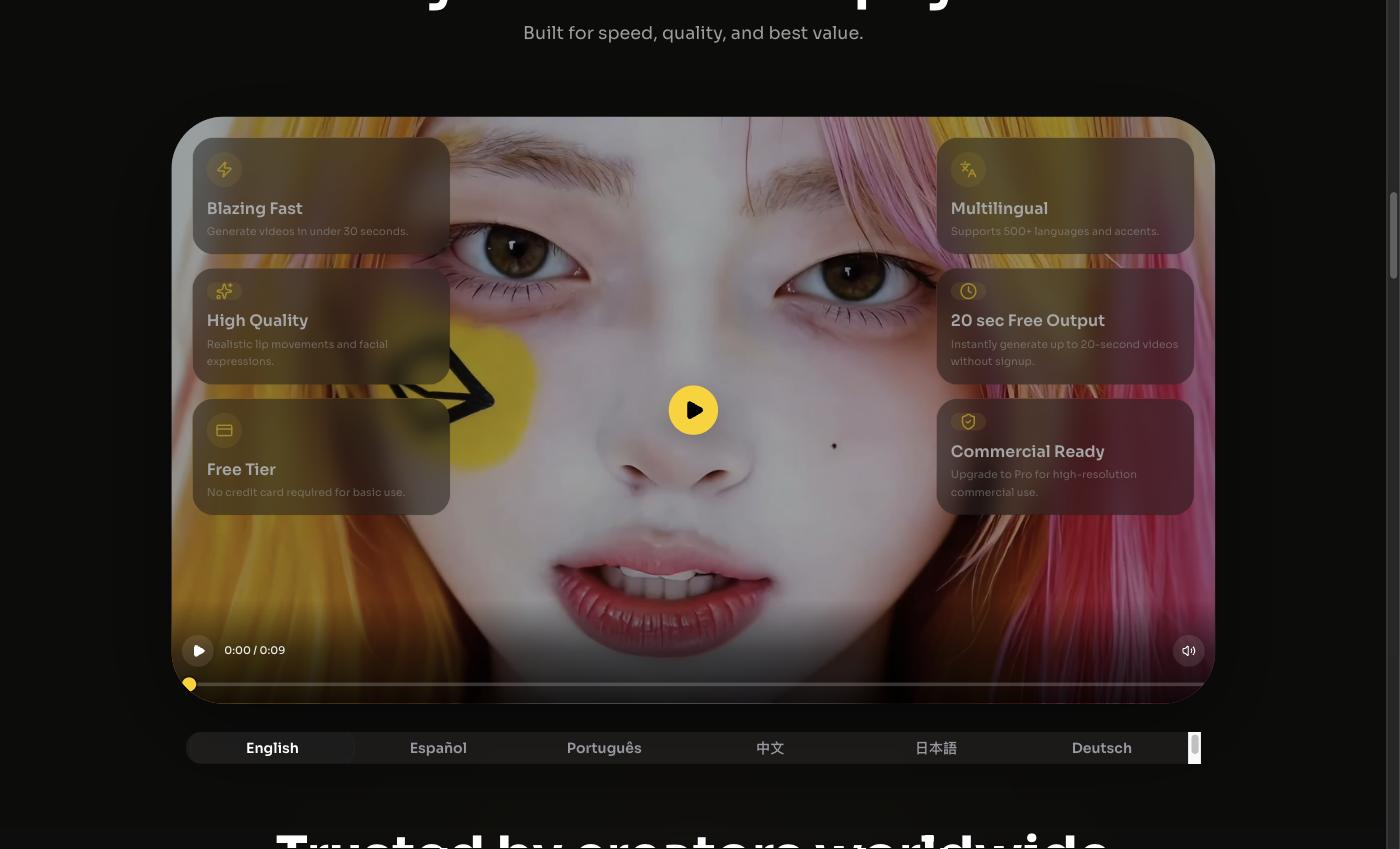 Same mascot, different languages — I re-voice Sprout for Spanish and German plant folks too.
When I'd pay
Once I was posting daily, I looked at Starter ($9.90/month): 20 Pro videos a month, up to 3 minutes and 800 characters each, HD downloads, 50 audio downloads every 30 days, 3 saved voice slots (so Sprout always sounds like Sprout), and up to 3 renders at once. There's a Pro plan at $69.90/month — unlimited, up to 60 minutes, 16,000 characters, priority queue — which is overkill for me but built for people running several channels. And the Creator Pack is $4.99 one-time: 5 Pro videos, 20 clean audio downloads, credits never expire, commercial use included. Annual billing shaves off 17%.
The honest competitor rundown
| Tool | Free tier | Watermark | Sign-up | Best for |
|---|---|---|---|---|
| FreeLipSync | Unlimited short clips, 20s, 133-char TTS | None | No | Faceless cartoon channels on a budget |
| HeyGen | 3 videos/month, ≤1 min, 720p | Yes (free) | Yes | Polished avatar presenters |
| D-ID / Runway | Credit-capped or watermarked | Often yes | Yes | One-off experiments |
I tried the usual names. HeyGen makes slick avatars, but its free tier is 3 videos a month, capped at 1 minute, 720p, watermarked, and needs an account; Creator is about $29/month ($24 annual) to lose the watermark. D-ID and Runway do good work, but free outputs come watermarked or gated by credits — fine for a test, painful for a daily posting habit. For "one drawing, short audio, no watermark, no login," none of them beat free for this exact job.
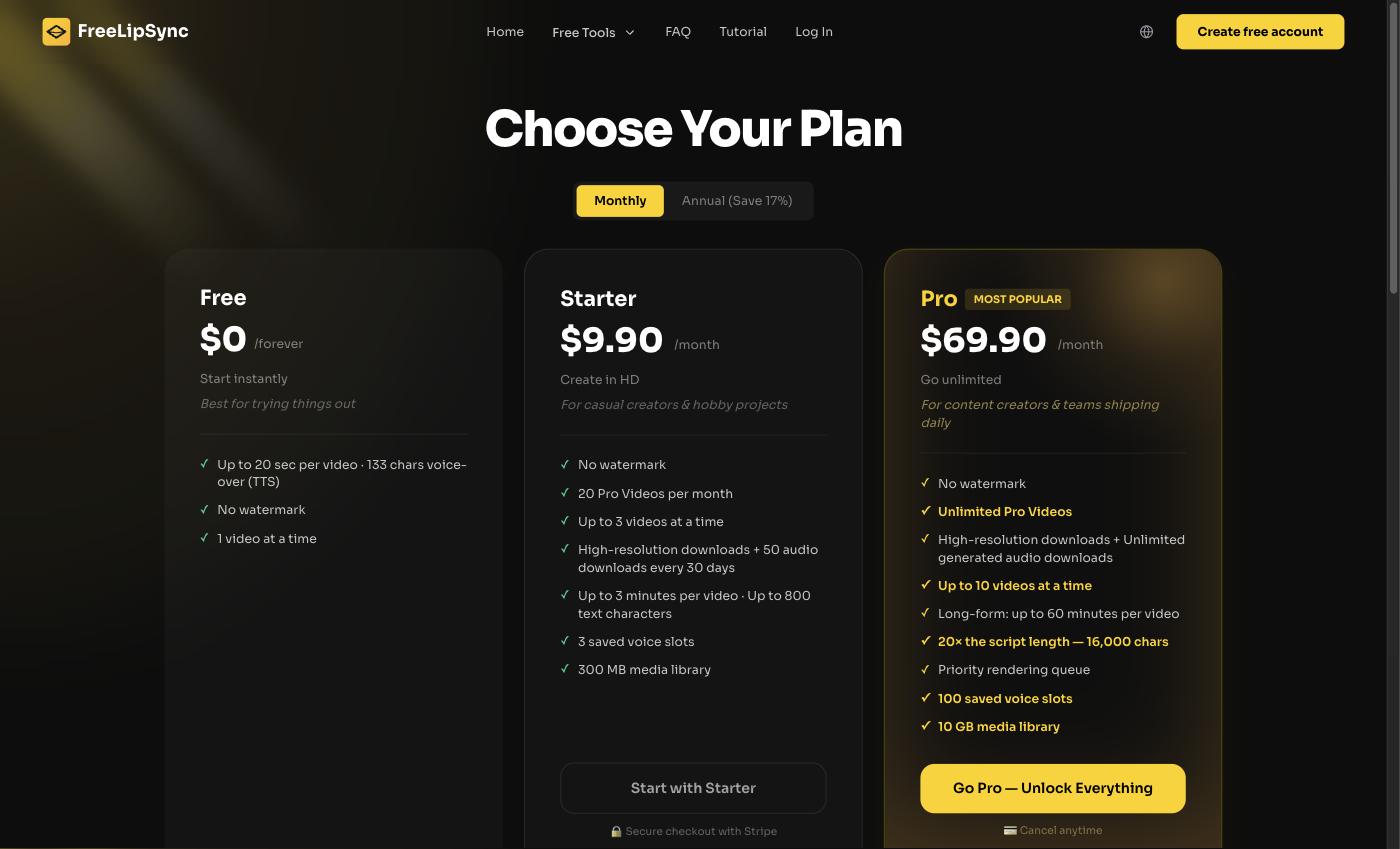 FreeLipSync's plans — I've mostly lived on the free tier and grabbed a Creator Pack once for a batch of episodes.
Who this workflow is for
If you're a plant person (or any hobby nerd) who wants a recurring illustrated host without learning animation software, this is the shortcut. Same goes for small brands wanting a mascot, teachers making a friendly explainer character, or anyone who'd rather draw a guy than film themselves. If you're producing broadcast-grade animation with dozens of characters and full body movement, you'll outgrow a lip-sync tool — but for a talking-head cartoon that ships daily, it's exactly enough.
Final Thoughts
Sprout has more personality than I do on camera, and he never needs good lighting. That's the whole pitch for a cartoon mascot channel: you get a consistent, likeable face, and the production is just "draw once, write a script, animate the mouth." Keep the art original, label it as AI, check your facts, and let the character carry the brand.
If you want to try it, start free — make your cartoon mascot talk with FreeLipSync's cartoon lip sync tool.
Sources
- FreeLipSync pricing — https://freelipsync.com/pricing
- FreeLipSync cartoon lip sync tool — https://freelipsync.com/tools/cartoon-lip-sync
- Fliki — 18 Best Faceless YouTube Niches in 2026 — https://fliki.ai/blog/best-faceless-youtube-niches
- OutlierKit — Most Profitable YouTube Niches 2026 (Real RPM Data) — https://outlierkit.com/blog/most-profitable-youtube-niches
- vidIQ — Faceless YouTube Channel Ideas That Make Money in 2026 — https://vidiq.com/blog/post/youtube-channel-ideas-without-showing-your-face/