
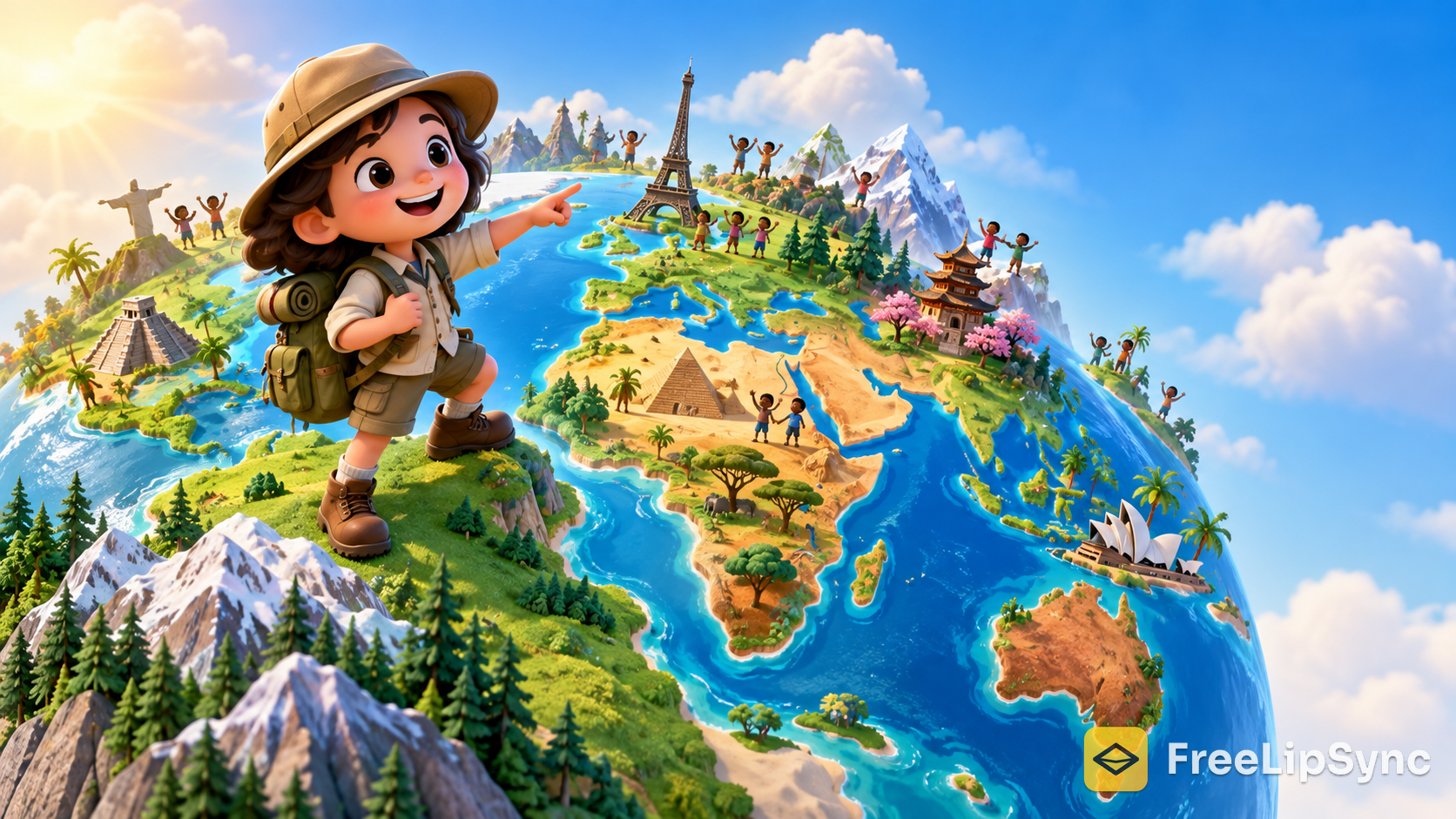
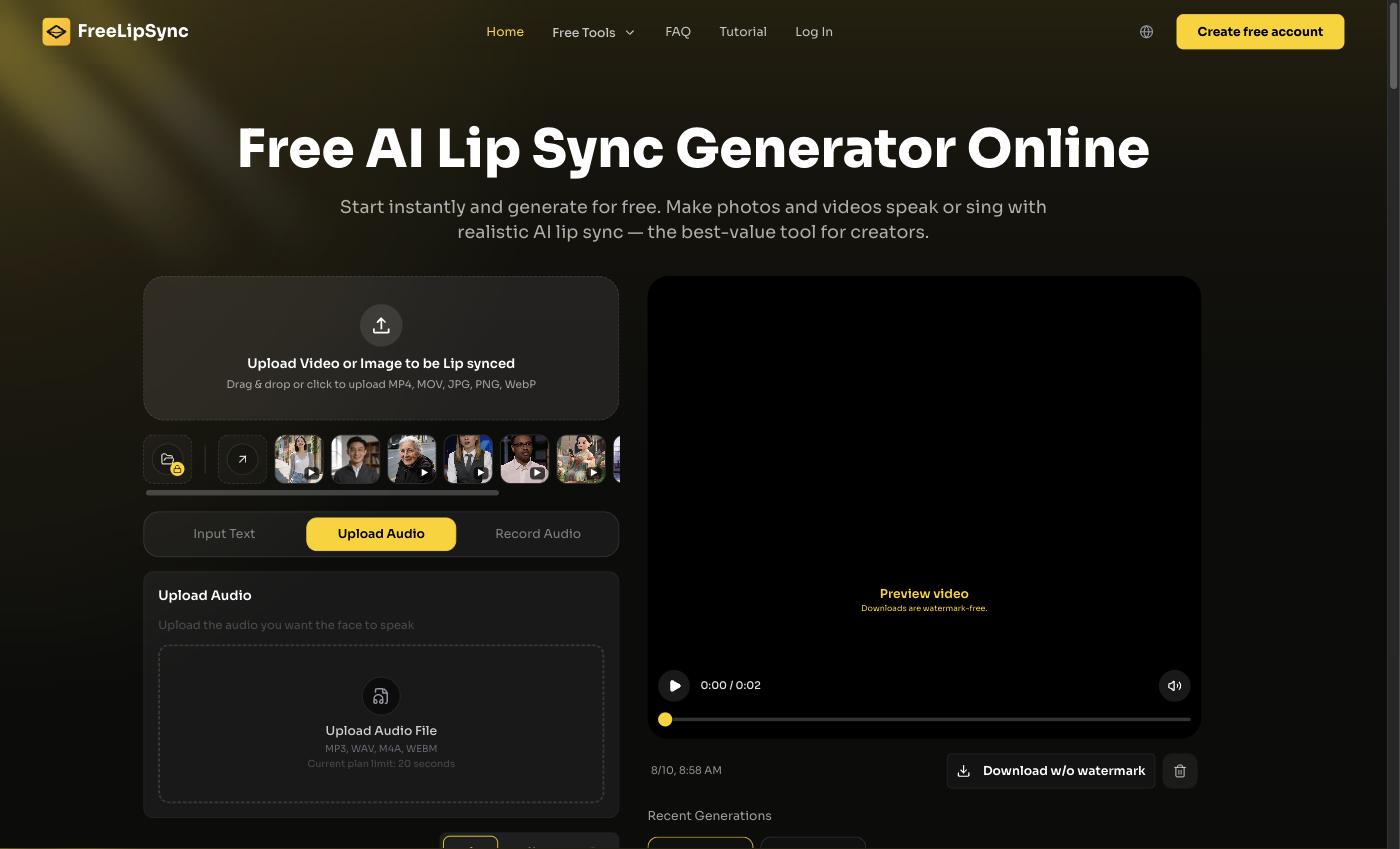
 The FreeLipSync homepage — where my geography cartoon gets its voice in every language.
I run a small kids' YouTube channel about geography. It's completely faceless — just an illustrated little explorer I drew myself who visits one country per episode, points at the flag, mangles a greeting, tastes the food, and waves goodbye. Simple. And weirdly, geography is one of the few niches that stays evergreen. Kids-learning channels don't chase the news cycle; a good "let's visit Portugal" video is just as watchable next year as it is today.
Here's the thing that kept nagging me. Geography is the most global topic imaginable, and my cartoon was stuck speaking English to an English-only audience. A kid in São Paulo would love this. So would a kid in Jakarta. But re-drawing and re-voicing every episode in another language? That's not a hobby anymore, that's a studio.
Quick Verdict
If you've got an original animated character and you want it to actually talk — mouth moving, in whatever language your viewer speaks — skip the frame-by-frame animation and let FreeLipSync's cartoon lip sync tool do the mouth. It's free to start, no sign-up needed to test it, and your first talking clip is about a minute away. Try it here →
Why a talking cartoon beats a slideshow with narration
I started, like everyone does, with a slideshow: a static drawing of my explorer, a voiceover on top, some music. It was fine. It also had the retention curve of a brick. Kids scrolled.
The fix wasn't better facts — it was the mouth. The second my character's lips actually moved in sync with the words, the whole thing felt alive. Little kids especially lock onto a face that's speaking to them. My average view duration went up, and that's the number the algorithm actually cares about.
How I actually make an episode now
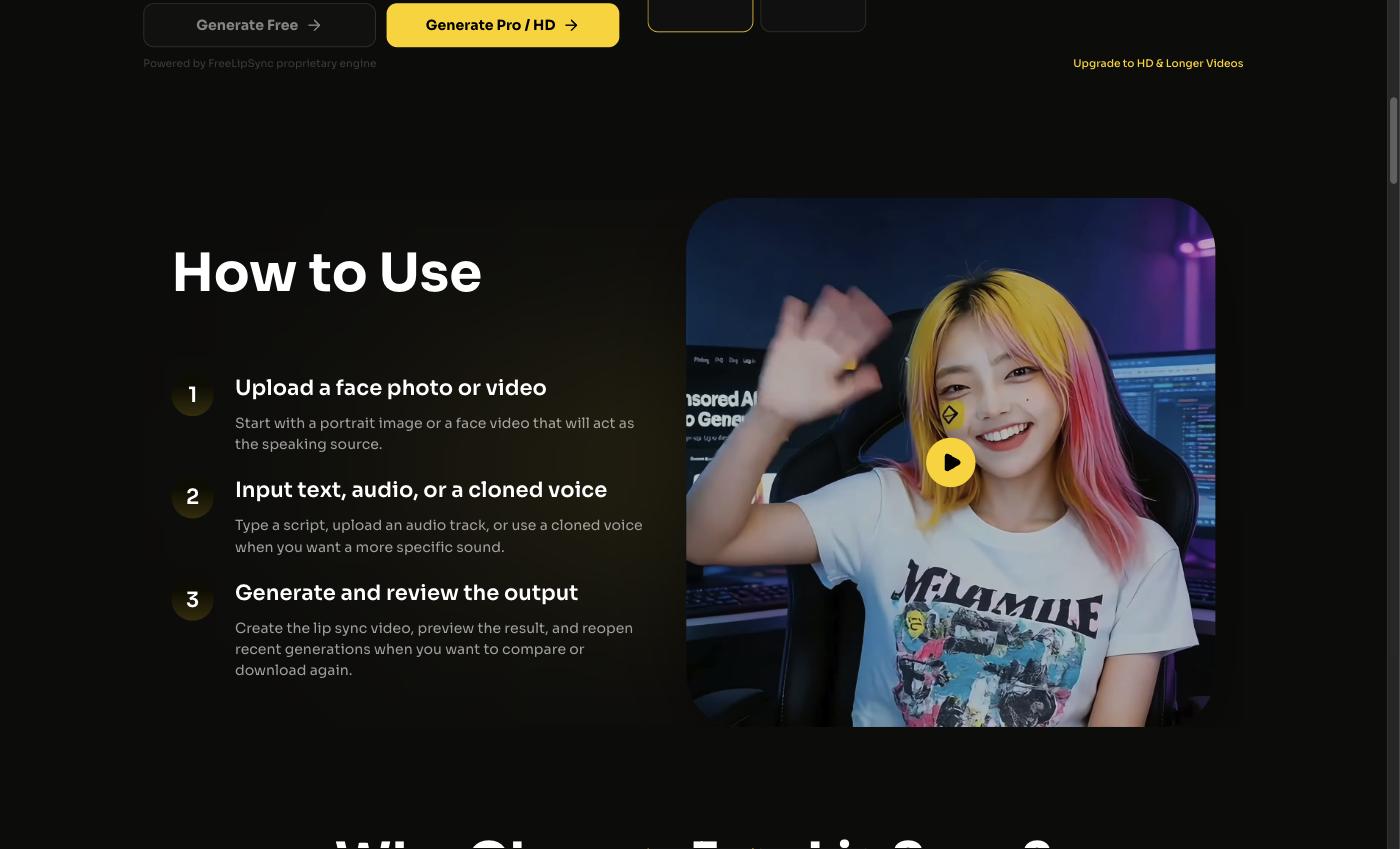 Upload my character art, type the country's script, generate. Same loop every time.
The loop is boring in the best way. I draw the explorer once. For each episode I write a short script — "Hi! Today we're in Portugal. See that red-and-green flag? Let's find some pastéis de nata!" — drop in my character image, pick the language, and generate. FreeLipSync animates the mouth to match the speech. Then I do the next language with the same art and a translated script.
What made the free tier work for me: you get 20-second clips instantly with no sign-up, and a free sign-in unlocks a watermark-free low-resolution download. Twenty seconds is basically one country segment. I'm not making a feature film; I'm making a punchy little "here's Portugal" that a five-year-old watches three times.
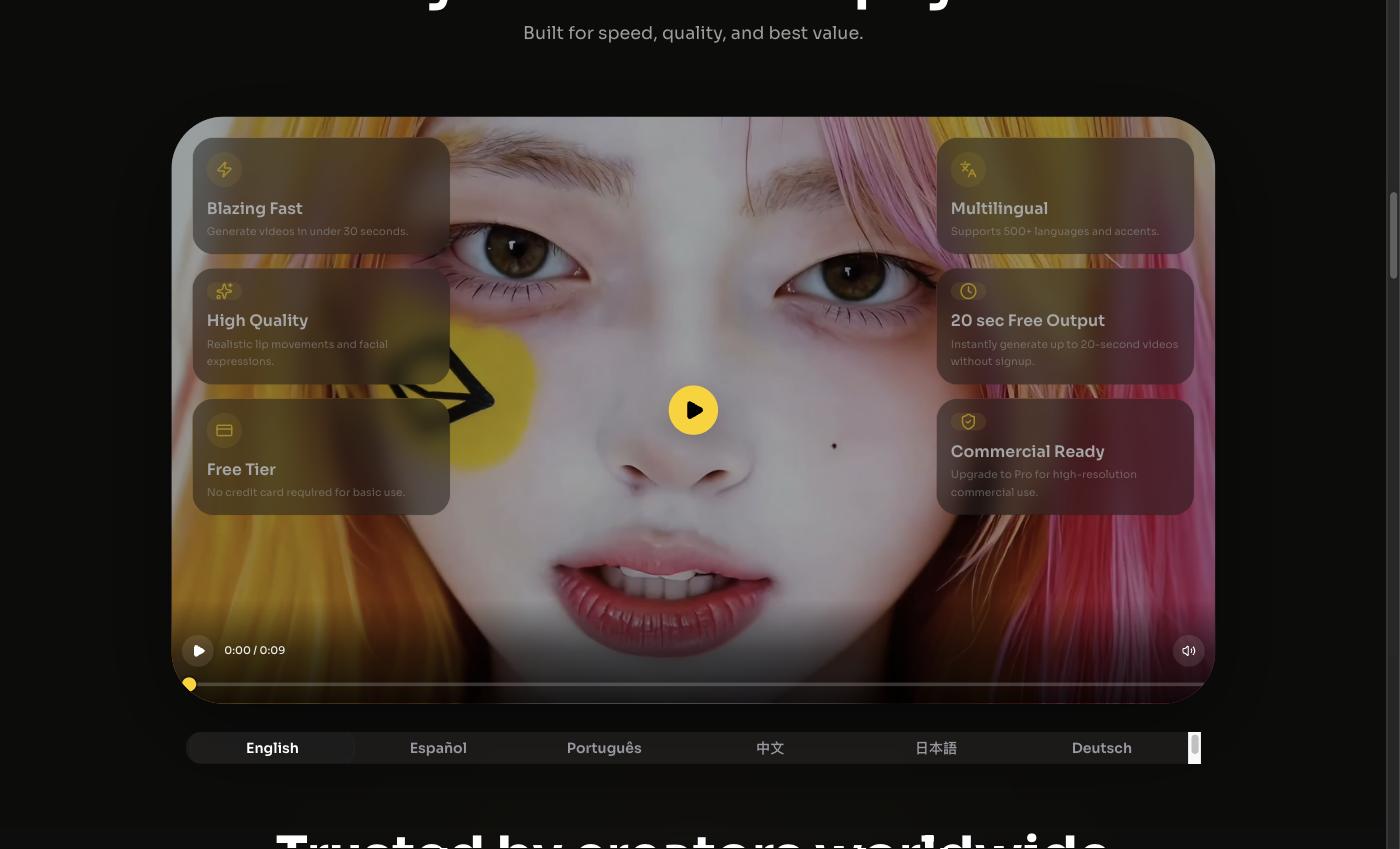 One character, one script, many spoken languages — the whole point of a geography channel.
It supports 500+ languages and accents, which for a geography channel is almost too on-the-nose. Generation runs about 30 seconds a clip, so spinning up Portuguese, Spanish, and Indonesian versions of the same episode is a coffee break, not a second job.
The honest limits (the part I wish more channels talked about)
A kids' channel comes with responsibilities. I only use my own original art — I'm not animating some studio's beloved character with the serial numbers filed off, and neither should you. I fact-check every geography claim before it goes in a script, because "the capital of Australia is Sydney" lives forever in the comments. And I label the videos as AI-assisted, which in 2026 isn't just polite, it's increasingly expected.
One more: don't believe the "make $$$ overnight" thumbnails. YouTube's Partner Program still needs 1,000 subscribers and 4,000 watch hours before a cent shows up. The multilingual angle helped me get there faster because I was suddenly reachable to way more kids — but it was months, not days.
How it compares to the alternatives
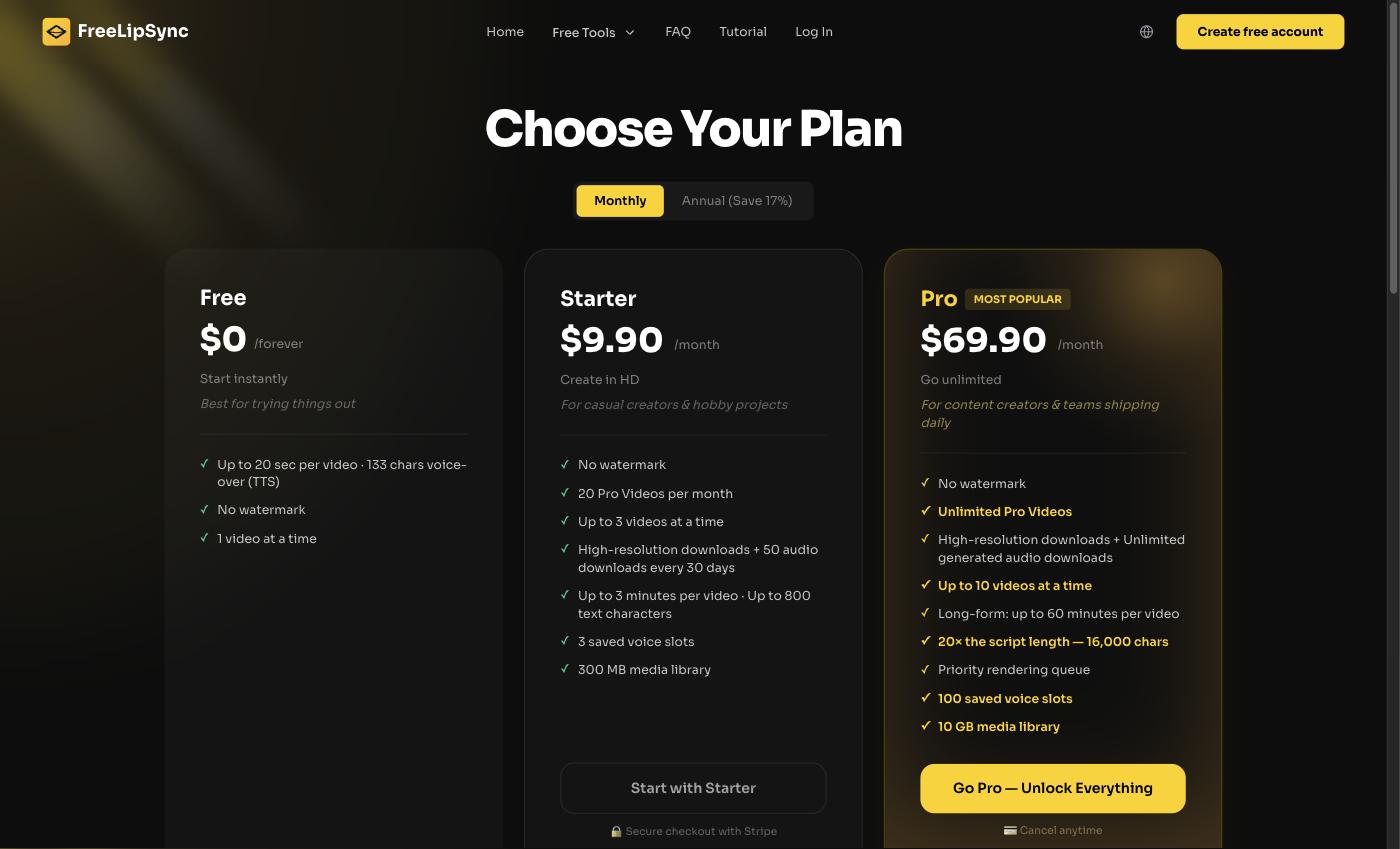 FreeLipSync's pricing: free to start, paid tiers unlock HD, longer, commercial-ready clips.
I looked around. HeyGen makes slick avatars but it's a subscription (around $29/month) built for corporate talking heads, not a hand-drawn cartoon fox. D-ID handles faces well but its free output is watermarked. Wav2Lip is free and open-source, but it's a developer's tool — I'm an illustrator, not someone who wants to fight a Colab notebook on a Sunday.
For my specific job — an original cartoon, short clips, lots of languages, mostly free — FreeLipSync kept winning because I could start with no account, no card, and the free clip length actually matched one episode segment.
Who should use what
If you run a faceless kids channel, a mascot account, or any original-character series and you want it multilingual, a cartoon lip-sync tool is the fastest win. If you need cinematic 3D animation, that's a different (much pricier) pipeline. If you code for fun, Wav2Lip is right there. Everyone else: draw your character, write the script, generate.
Final Thoughts
The surprise wasn't the tech — it was watching my little explorer suddenly welcome a kid in their own language and feeling like the channel finally matched its subject. Geography's whole promise is "the world is bigger than your street." It's hard to sell that promise in one language. If you've been sitting on a character you love, start with the cartoon lip sync tool — it's free to try, and your first talking clip is a minute away. Make your cartoon talk →
Sources
- FreeLipSync — homepage and Cartoon Lip Sync tool
- Wikipedia — Geography Now (evergreen geography channel, 3.9M+ subscribers as of 2026)
- Global Student Network — YouTube Channels to Teach Your Kids Geography
- YouTube Help — YouTube Partner Program eligibility (1,000 subscribers + 4,000 public watch hours)