
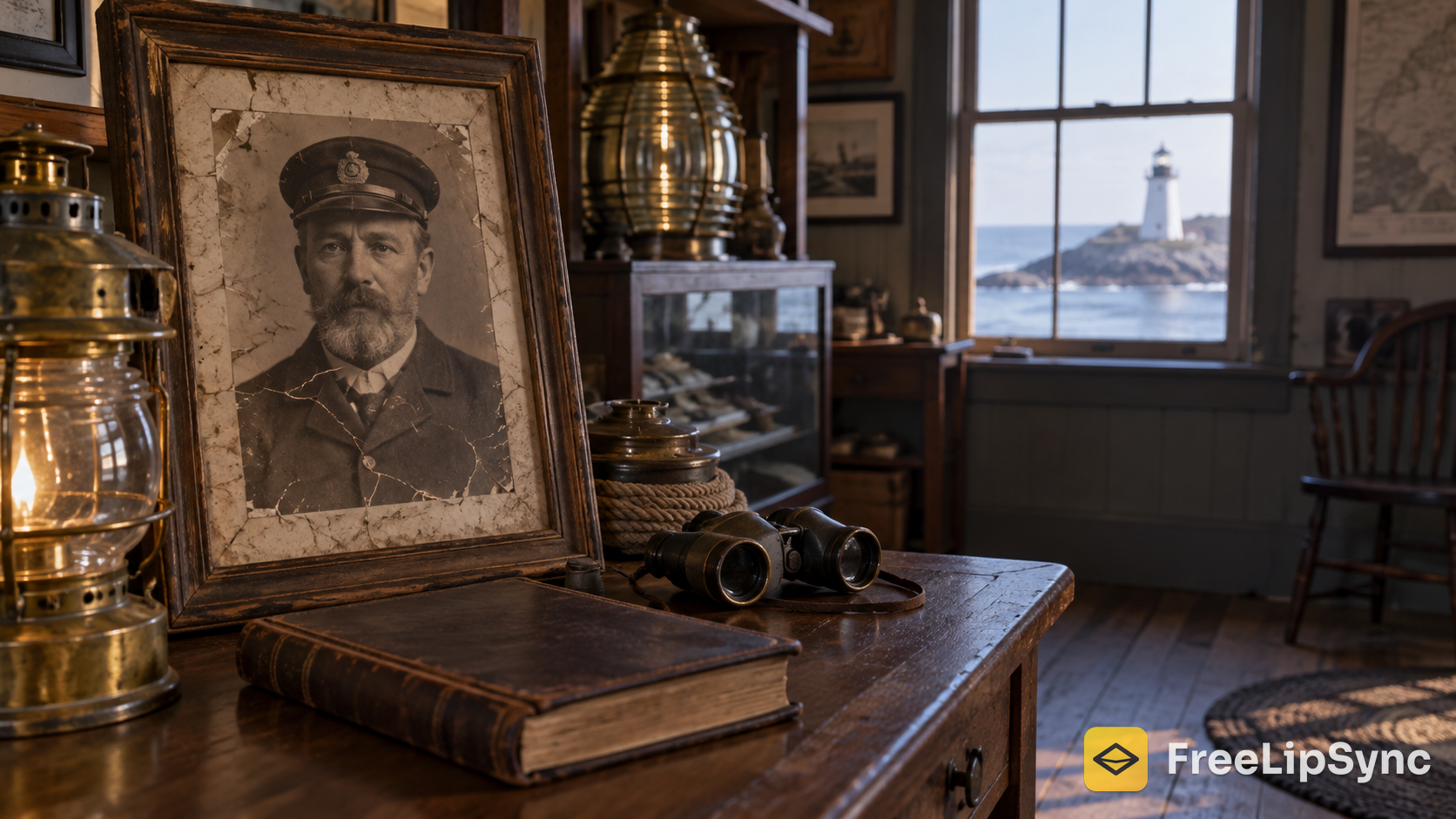
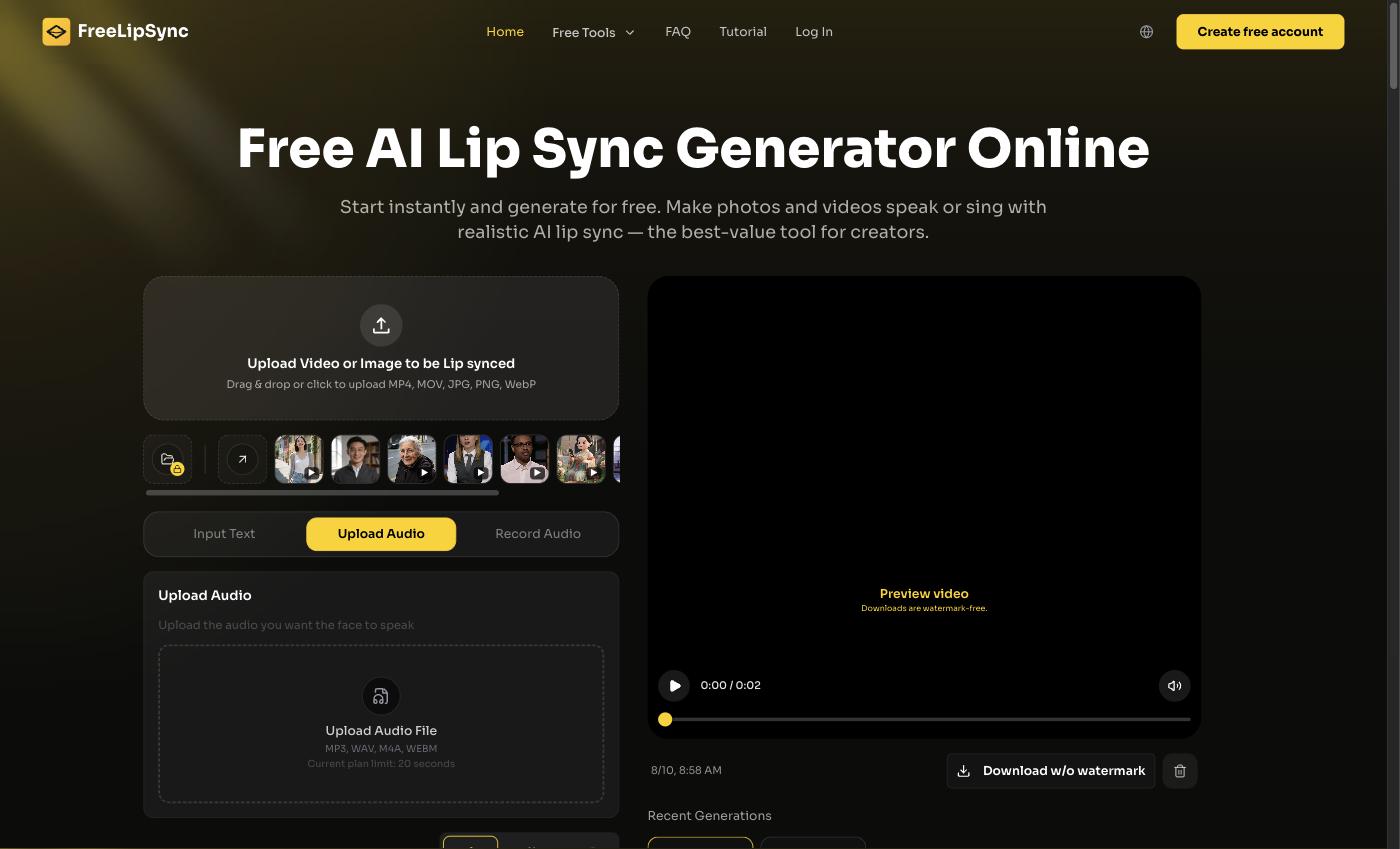
 FreeLipSync's front page — where a 120-year-old portrait finally got a voice.
I volunteer with a small lighthouse preservation society. We're not the postcard tower with a gift shop and a parking lot — we're the offshore light that a handful of us keep standing, one fundraising season at a time. This year I wanted our visitors to meet the man who actually lived out there in 1903, and I only had one thing to work with: a cracked, sepia portrait of him.
So I made the portrait talk. A still photo, a short first-person script pulled from our archive, and suddenly our long-gone keeper is telling people why the light mattered. Here's exactly how I did it, what it cost, and the line I was careful not to cross.
Quick Verdict
If you have an old photo and you want it to speak, the fastest honest path I found is FreeLipSync's Make Old Photos Talk tool: upload the portrait, add your narration as text or audio, and it animates the face. The free tier has no watermark and needs no sign-up, so you can test a clip before your next open day. Start here and see how your archive photo moves.
Why a talking portrait fits a heritage site
A lighthouse sells one thing better than any brochure: story. And 2026 turned out to be a strong season for exactly that — preservation groups like the Huntington Lighthouse society ran expanded Sunday tours after a record year of nearly 600 visitors, and passport-day programs kept filling boats up and down the coast. People are showing up hungry for the human history, not just the view.
The trouble is, our history is silent. It's a logbook, a keeper's name, and a photo nobody can hear. Animating that portrait bridges the gap. Instead of reading a plaque, a visitor watches the keeper himself say, "I trimmed this wick every four hours through the winter of 1903." It lands. And because the same clip can be re-voiced into other languages, our summer visitors who don't speak English first still get the story in their own.
The free tiers, side by side
| Tool | Free tier | Watermark | Sign-up |
|---|---|---|---|
| FreeLipSync | 20s per video, 1 at a time | None | No |
| HeyGen | 3 videos/month | Yes | Yes |
| D-ID | Short trial, credit caps | Yes | Yes |
| Runway | Limited credits | Yes/caps | Yes |
A keeper's introduction is short by nature — a fifteen-second "here's who I was and what I did" is plenty. So the 20-second free clips covered nearly everything I wanted to post. I started free and stayed there for most of the season.
Why FreeLipSync is the one I kept using
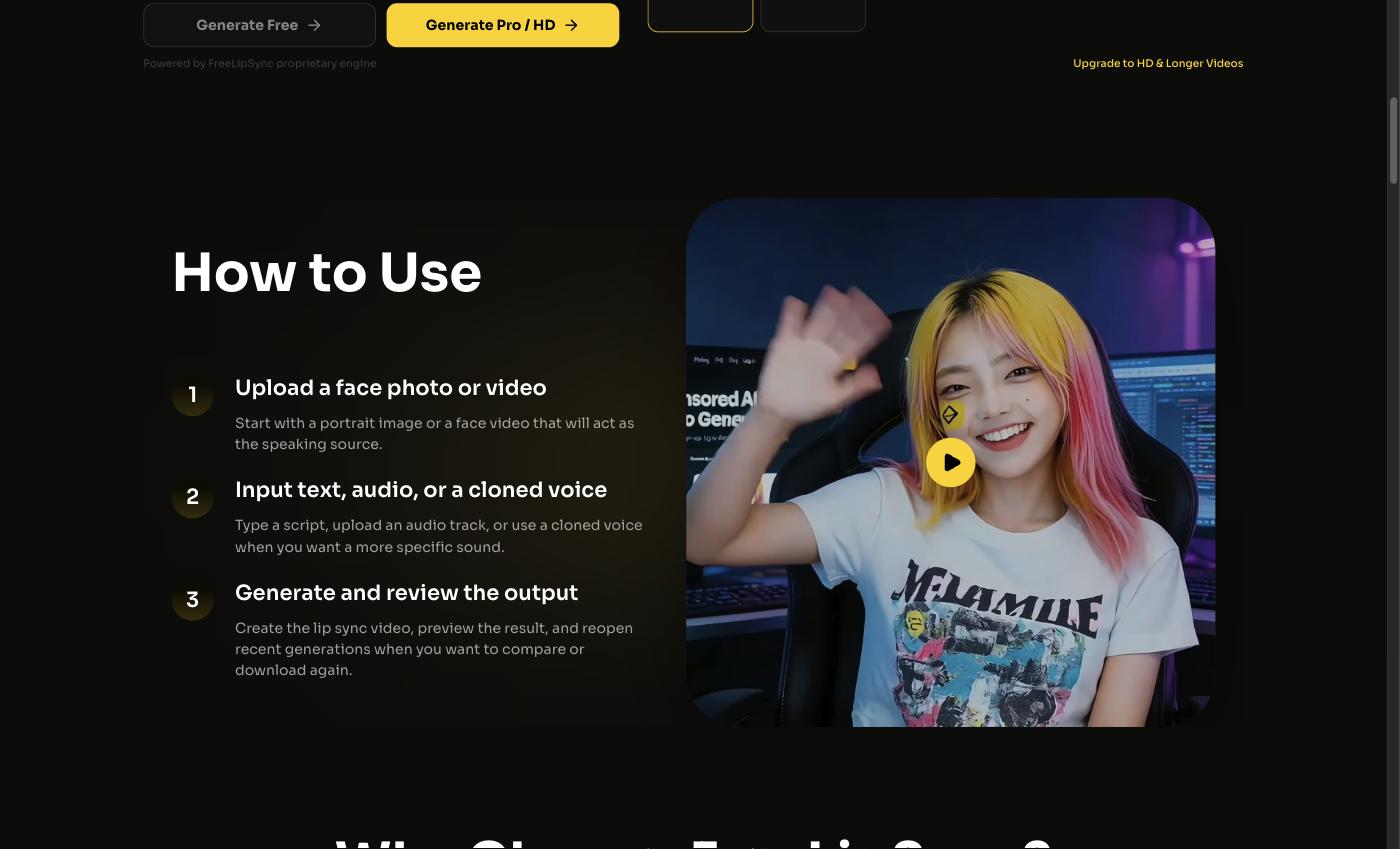 The workflow: upload the photo, add a line, generate.
I didn't want to learn restoration software. I wanted to hand a tool one scanned photo, type a paragraph from our archive, and get a clean talking clip back. That's the whole flow here — it takes a still image and drives the mouth from your text or a voice recording.
The honest reason it stuck: the free tier is actually usable. FreeLipSync's free plan gives you up to 20 seconds per video, one generation at a time, and — the part I cared about most — no watermark, no account required. A tool logo stamped across a solemn heritage clip cheapens it, and cheapening a memorial is the last thing I wanted.
When I started paying
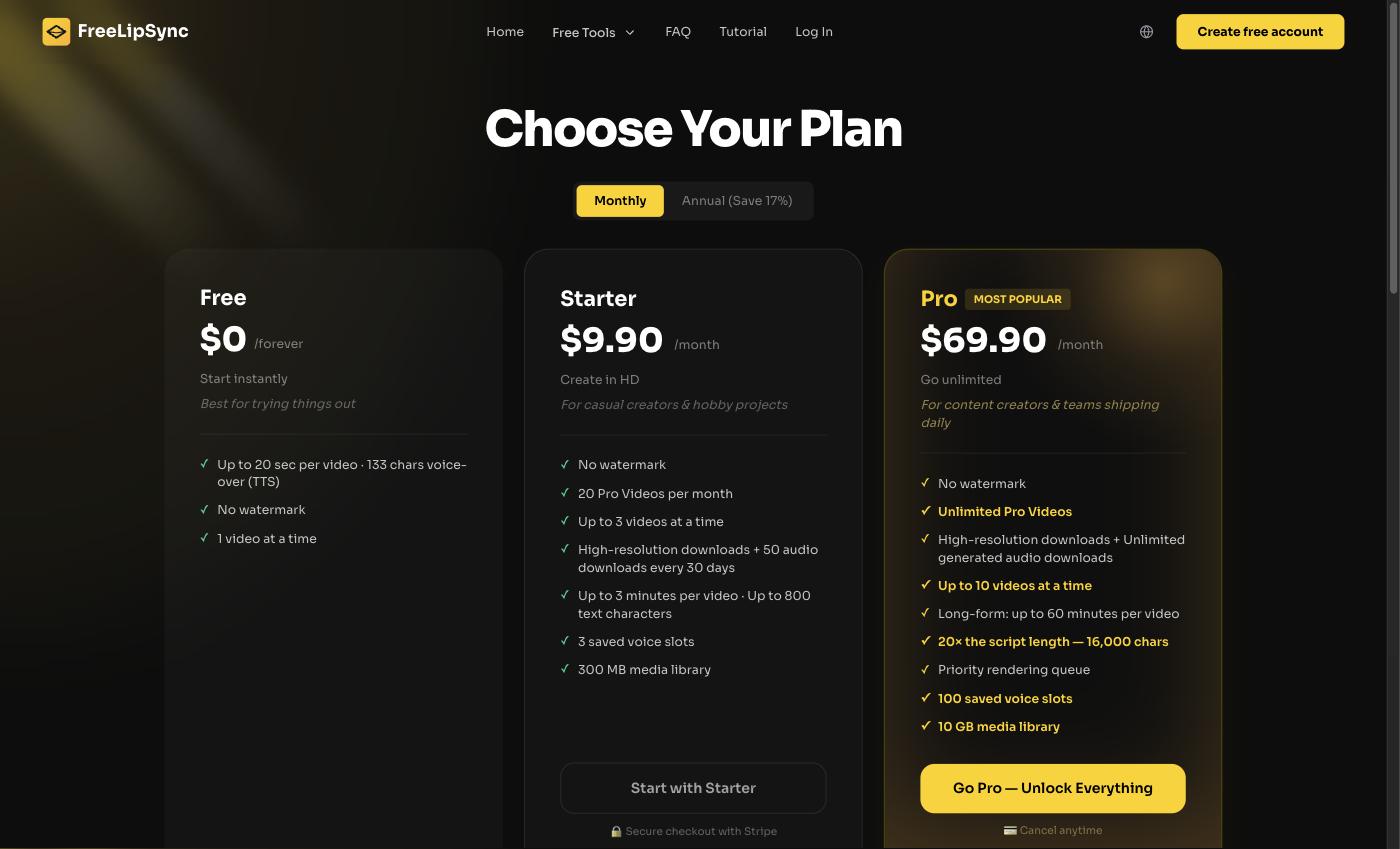 Free covered the short intros; I only paid when I wanted a whole series.
Once I wanted a full "meet the keepers" series and longer narrations, I moved to Starter at $9.90/month — 20 Pro videos a month, up to 3 minutes each, 800 characters, three at a time, HD, still no watermark. A big maritime museum posting daily might want Pro at $69.90/month for unlimited videos, up to 60 minutes, ten at a time. There's also a one-time $4.99 Creator Pack (5 Pro videos, credits never expire) if you just need a burst for one exhibit. As a volunteer running this alone, Starter was as far as I went.
The competitors, honestly
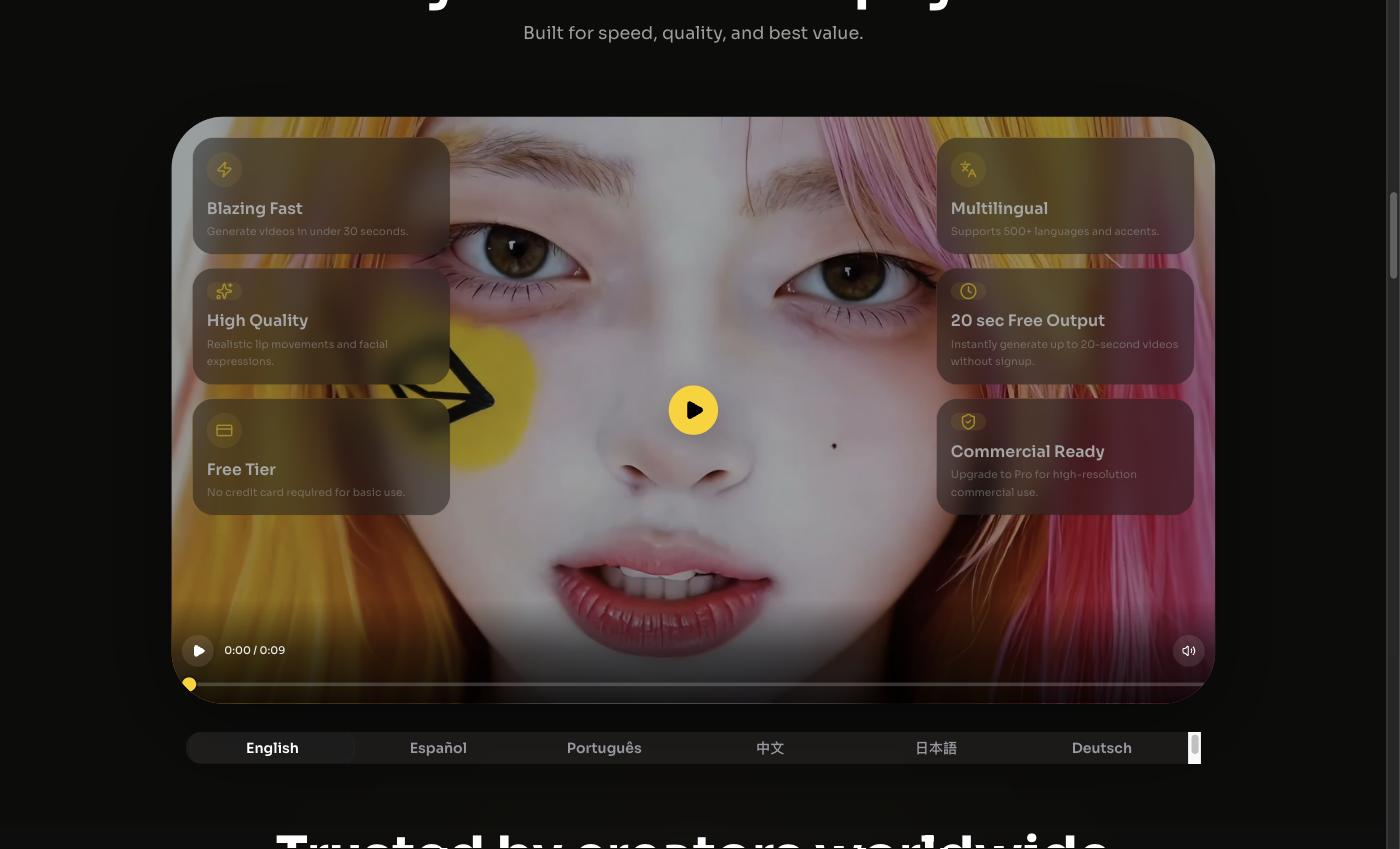 Same portrait, several languages — for visitors who aren't all local.
HeyGen makes polished avatars and it's fine if you're already paying around $29 a month, but three watermarked videos on the free tier vanish the moment you're testing scripts. D-ID and Runway can both animate a face, though their free options lean on watermarks or credit caps, so a tiny nonprofit hits the ceiling fast. None are bad tools — they're just more machinery than a preservation society needs to post a one-minute keeper.
Who should use what — and the line I wouldn't cross
If you just want to see whether a talking portrait moves your visitors, start free on FreeLipSync — no card, no watermark. Building an ongoing exhibit or multilingual tour narration? Starter is the sensible step up. Save Pro for a large museum posting every day.
Now the careful part, because this is a real person who died long ago. I treated it as a tribute, not a puppet show. I got the blessing of our society before publishing, labeled the clip clearly as a historical recreation made with AI, and kept the words honest — I framed him as "a keeper of that era" and used only facts from our logbook, never invented quotes I couldn't source. Anything with real stakes — tour times, boat schedules, ticket prices, safety rules on the water — lives on our official page and on-site signage, not in the keeper's mouth. And every translated version got a human read-through before it went out.
Final Thoughts
What got me was watching a family go quiet when the keeper "looked" at them and spoke. A plaque never did that. If you want to try it with your own archive photo, the quickest starting point is FreeLipSync's Make Old Photos Talk tool: pick your clearest portrait, give it one true line, and let your history speak.
Sources
- FreeLipSync — https://freelipsync.com
- FreeLipSync Make Old Photos Talk — https://freelipsync.com/tools/make-old-photos-talk
- FreeLipSync Pricing — https://freelipsync.com/pricing
- Huntington Lighthouse Preservation Society 2026 season — https://www.litimes.org/2026/06/03/huntington-lighthouse-preservation-society-announces-2026-season/
- United States Lighthouse Society — https://uslhs.org/
- Nova Scotia Lighthouse Preservation Society — https://www.nslps.com/