Free Tools

AI Video Dubbing Tool

Upload a talking video, then paste translated text or add dubbed audio to re-sync the lips to the new language.

  • Free
  • No sign-up
  • No watermark

What this tool does

Upload a talking video, then paste translated text or add dubbed audio to re-sync the lips to the new language. It accepts both typed text with a preset or authorized cloned voice and uploaded or browser-recorded audio. The result is a watermark-free lip-sync video; Free accepts 133 text code points or 20 seconds of audio.

Upload Audio

Upload audio or record with microphone.

Please upload a video or select a video sample.
Powered by FreeLipSync proprietary engine
AI Video Dubbing Tool

Tutorials

More

Source Materials

Hola y bienvenidos. En esta breve actualización, explicaré cómo nuestro nuevo flujo de trabajo ayuda a los equipos globales a compartir mensajes de producto claros.

Generation

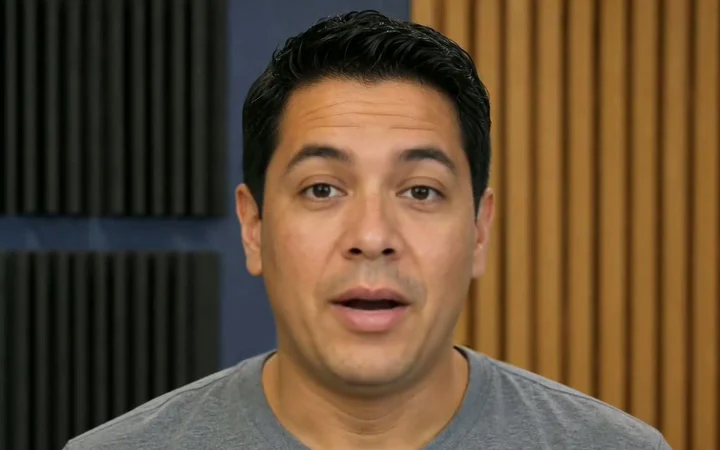
Unedited Spanish dubbing result

A direct generation with no manual mouth retiming or post-production replacement.
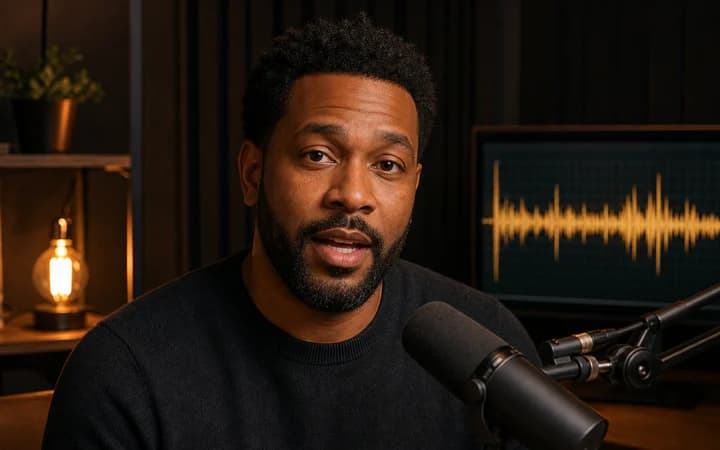
Dubbing that matches the lips

Voice-over alone looks off — re-synced mouths make the dubbed take feel filmed in that language.

Start from text or a dub track

Paste translated dialogue and choose a voice, or use a voice actor's finished recording.

Localize once, publish everywhere

Turn one source video into native-feeling versions for each market and channel.

How to dub a video with matching lips

  1. 1

    Upload the source video

    Add an MP4, MOV, or WebM clip with one clearly visible speaking face. The original speech track will be replaced.

  2. 2

    Choose text or audio

    Paste the translated script and choose or clone a voice, or upload or record the finished dub track. Free text supports 133 characters and free audio supports 20 seconds; paid plans raise both limits.

  3. 3

    Generate

    The page creates speech from text when needed, then re-syncs the speaker's mouth to the new language frame by frame so the dub looks filmed rather than voiced over.

  4. 4

    Review and download

    Compare against the original in the browser and download the watermark-free dubbed video after signing in.

What people make with it

Multilingual marketing videos

Ship the same founder update, ad, or product tour in every market's language with lips that match.

Course and training localization

Dub lessons and onboarding videos so international teams and students get a native-feeling version.

Creator channel expansion

Publish existing YouTube or TikTok content into new language markets using a translated voice track.

Replacing scratch audio

Swap placeholder narration for the final studio take and keep the on-camera delivery in sync.

Inputs that produce better results

Start with a readable face

Use a continuous clip with one front-facing speaker and prepare a reviewed translation whose spoken duration is close to the source.

Use clean speech

Reduce music, echo, clipping, and long ambiguous silence. Match the delivery to the intended expression.

Test a short line first

A controlled phrase makes timing, mouth closure, and source problems easier to diagnose before a longer render.

Limits and unsupported cases

  • The tool does not translate or rewrite automatically; several speakers, cuts, occlusions, and large duration mismatches reduce quality.
  • The generator changes visible speech. It does not automatically translate, fact-check, caption, or edit the surrounding scene.
  • A generated result still needs human review before publication, especially when identity, language, or sensitive context matters.

Rights, consent, and disclosure

  • Use authorized footage and voices, and disclose altered dialogue whenever viewers could mistake it for an authentic recording.
  • Only upload faces, voices, music, and scripts you own or have permission to use.
  • Clearly label synthetic or altered media when viewers could otherwise believe it is authentic.

Pricing is per result, not per minute

Free generation deducts no Pro Video and outputs are watermark-free, subject to the free sign-in and resolution rules. Starter uses one Pro Video for one high-resolution result instead of charging credits for every second or minute. An active Pro subscription includes unlimited Pro Video generation entitlement.

The 2026 AI video pricing report calculates about $0.25 per effective Starter output minute when all 20 included results average one minute. This is comparison math, not FreeLipSync's billing unit.

2026 AI Video Pricing Report

AI video dubbing FAQ

More free AI lip sync tools

Every FreeLipSync tool runs on the same engine — pick the workflow that matches your input.

Compare Free, Starter, and Pro plans