Two-person photo singing

Turn one photo into a two-person singing video

Upload each vocal part, then arrange solos, handoffs, and harmonies on a two-track timeline.

Source image

Try an example

Add vocals to either singer track
Current limit: 00:20.0

Video preview

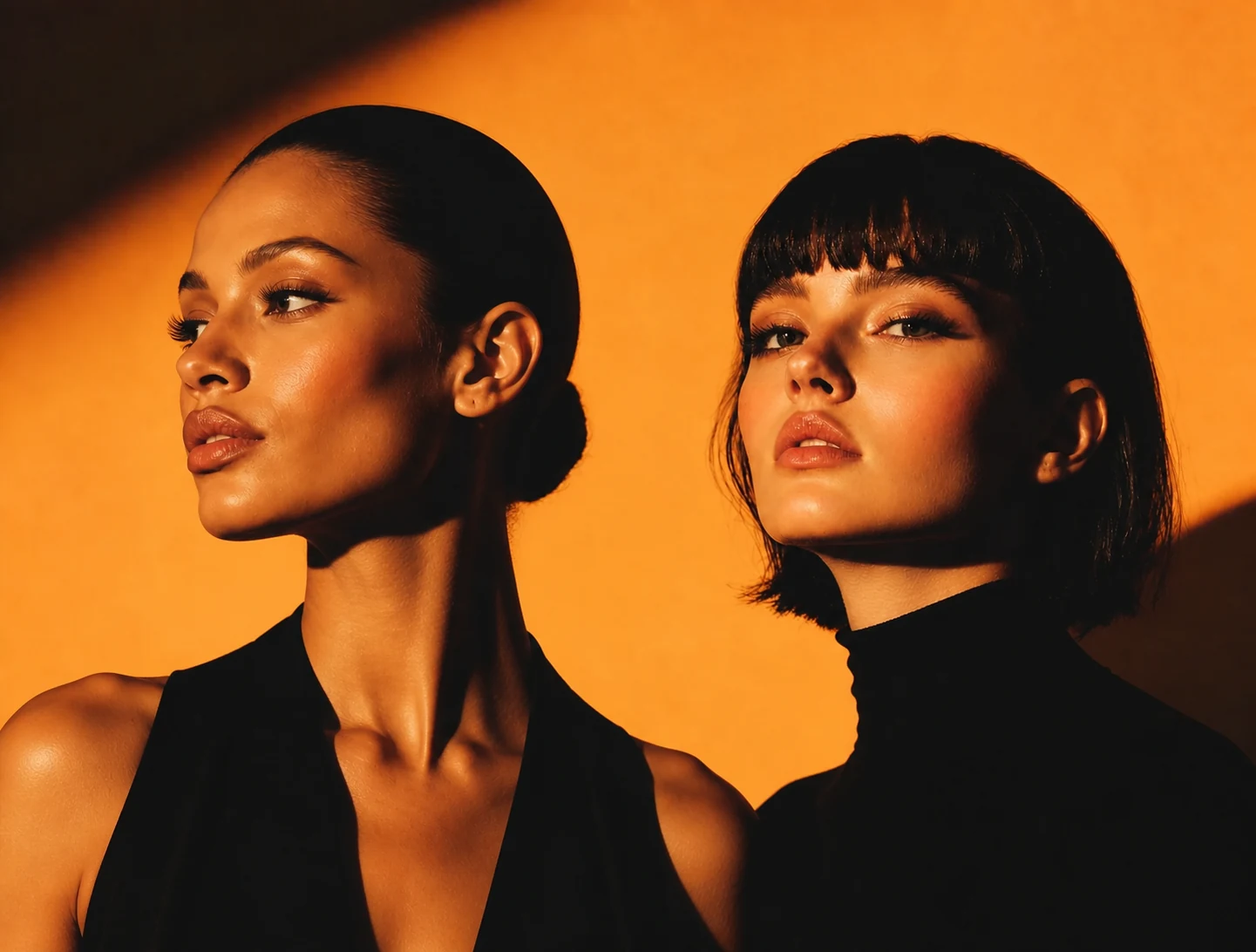
Two fashion models posing in warm orange studio light
Your recent two-person singing videos will appear here

Duet timeline

100%
00:00.0
0s
2s
4s
6s
8s
10s
12s
14s
16s
18s
20s
22s
24s
26s
28s
30s
Add vocals to start arranging this track

Select a clip to edit it. Click the ruler to position the playhead.

You can use one or both singer tracks. Both tracks render to the same duration, and every gap becomes silence.

What is an AI two-person singing photo generator?

An AI two-person singing photo generator animates two faces in one image with separate vocal tracks. FreeLipSync lets you time each singer independently, build solos or harmonies, and turn one still photo into a synchronized duet video.
How to make two people sing from one photo

  1. 1

    Upload a two-person photo

    Choose a clear JPG, PNG, or WebP with both faces visible; the two leftmost faces become singer 1 and singer 2.

  2. 2

    Add each vocal part

    Upload a song, isolated vocals, or separate duet parts to either singer track.

  3. 3

    Arrange the duet

    Move and split clips to create solos, alternating lines, call-and-response, or simultaneous harmony.

  4. 4

    Generate the singing video

    Review the full song timing, generate the AI duet, then preview and download the finished video.

Two-person singing video ideas

AI duet covers

Turn one photo into a two-person cover with separate verses and a shared chorus.

Character and anime songs

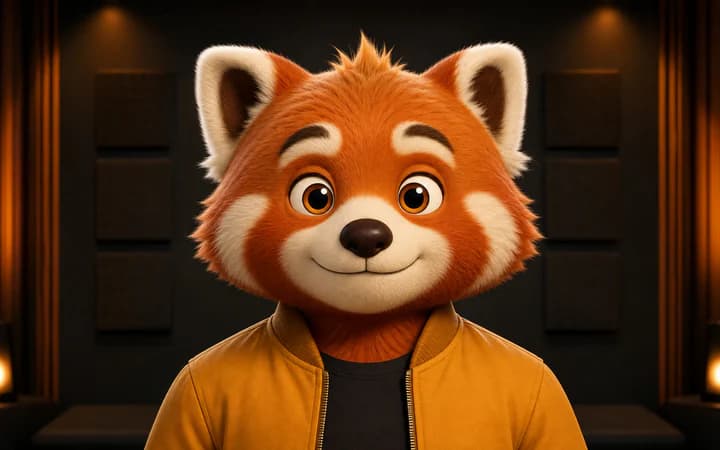
Make illustrated characters, game avatars, or mascots perform a duet.

Comedy and meme songs

Create musical reactions, parody exchanges, and shareable singing-photo clips.

Birthday and celebration videos

Build personalized two-person songs for greetings, anniversaries, and events.

How to get better AI duet results

Use two clear faces

Choose a front-facing or lightly angled photo where both mouths are visible.

Use clean vocals

Vocals with little background noise or reverb give each singer a clearer lip-sync signal.

Align musical phrases

Place each line on the correct singer track and overlap clips only for intentional harmony.

Timeline and input limits

  • Clips on the same speaker track cannot overlap; clips on different tracks can.
  • Each speaker track supports up to 10 clips, and the absolute output maximum is five minutes.
  • Plan-specific duration limits may be shorter; shorten the timeline or upgrade when the generate button is disabled.

Use images and voices responsibly

  • Use photos, voices, and characters you own or have permission to use.
  • Do not impersonate a real person deceptively or create fraudulent, harassing, or harmful media.
  • Make synthetic or edited media clear to viewers when the context could otherwise be misleading.

Free preview, plan-based output length

One Generate button serves every plan. Your current tier determines the available timeline length; free users can preview completed results, while original-resolution downloads may require Pro or a one-time unlock.

Compare Free, Starter, and Pro plans

Two-person singing photo FAQ

More free AI lip sync tools

Every FreeLipSync tool runs on the same engine — pick the workflow that matches your input.