Scene 1
Your prompt may not be followed exactly.
Model
Add images, give your characters a voice, and turn every scene into one complete story.
Multi-scene lip sync turns multiple photos into one talking video. Provide a storyboard image and audio or a script for each shot, then arrange the scenes in order. Also called multi-shot or multi-image lip sync, it uses your scene images rather than generating a storyboard for you.
Use one image for each scene. Upload your photos, choose a character, and arrange the cards in story order.
Give each scene its own audio or text script. Optionally describe movement or camera direction.
Check each scene and the combined allowance. Super requires a single-character scene and supports up to 150 effective characters or 30 seconds of audio per scene.
Single-photo lip sync suits one portrait. Two-person lip sync handles dialogue within one image. Multi-scene lip sync suits stories, interview cuts, or step-by-step explanations with storyboard images you have prepared. The AI music video tool instead arranges shots from an image and a song.
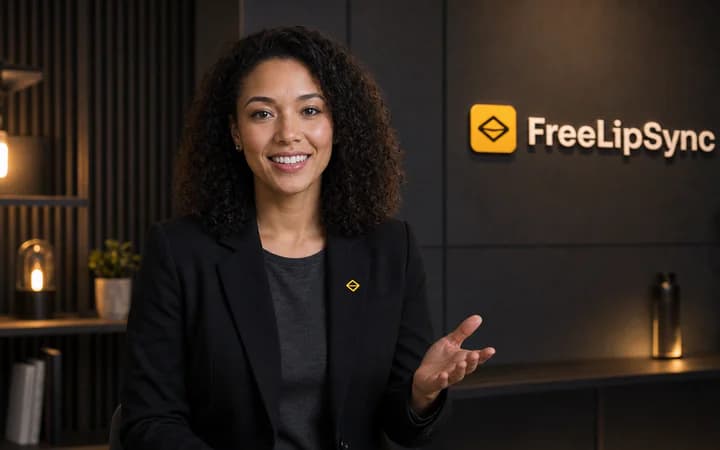
Upload a face photo, type a script, and turn it into a talking video with a focused lip-sync workflow.
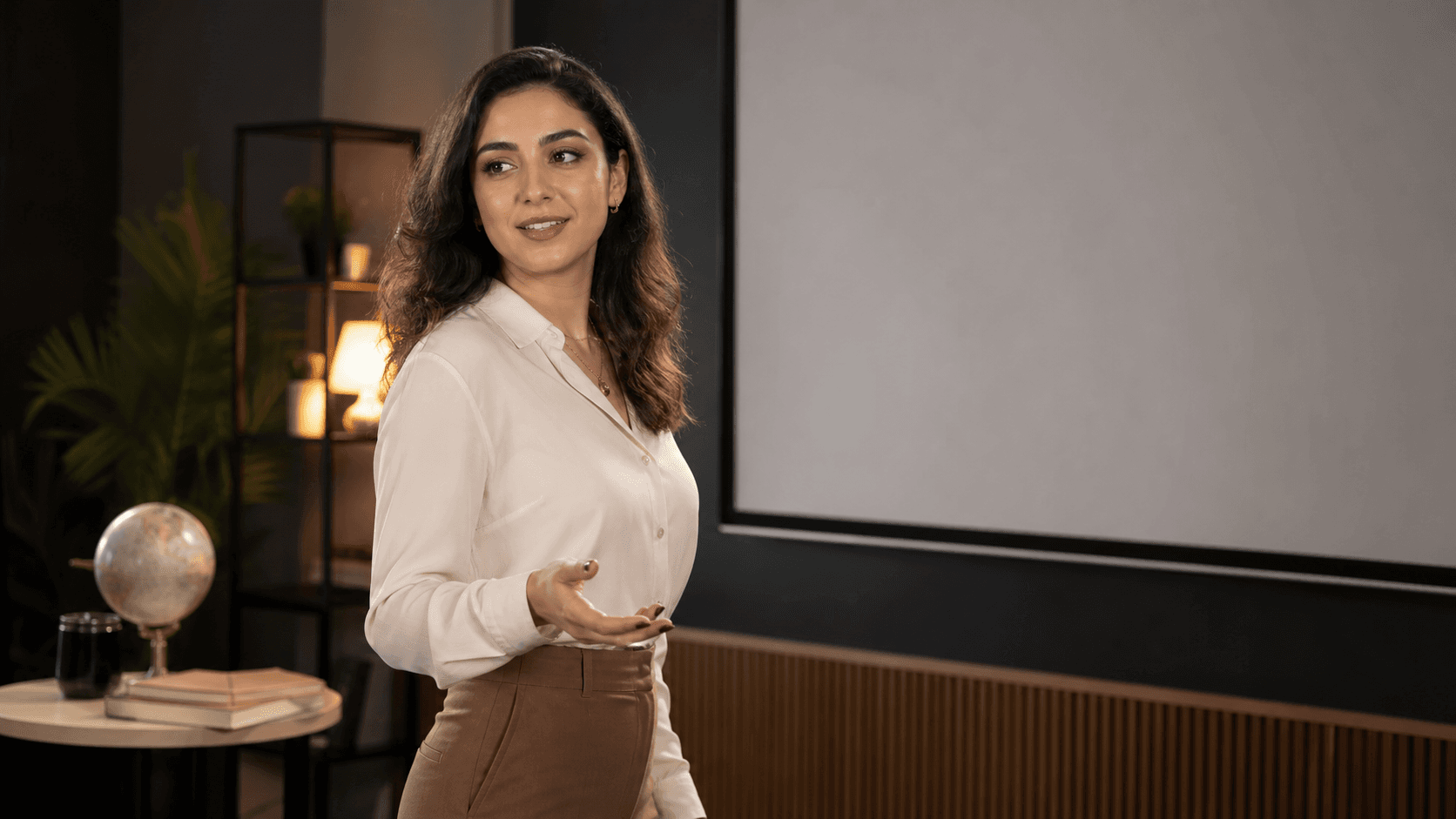
Upload a face photo, add audio, and turn a still image into a talking video driven by the voice track.
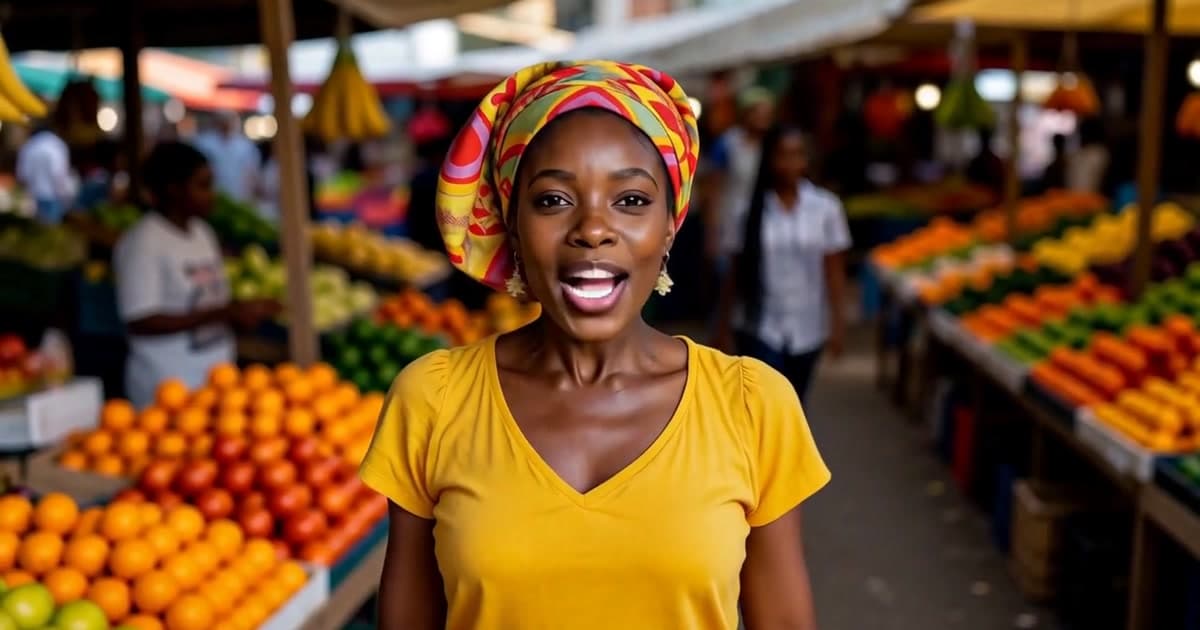
Turn one photo and a song into a lip-synced music video. AI uses the music's beat to time the cuts and generate each shot — no prompt or storyboard needed.
Step-by-step tutorial
How to Make a Multi-Scene AI Lip-Sync Video from PhotosSee the inputs, workflow, and finished example.