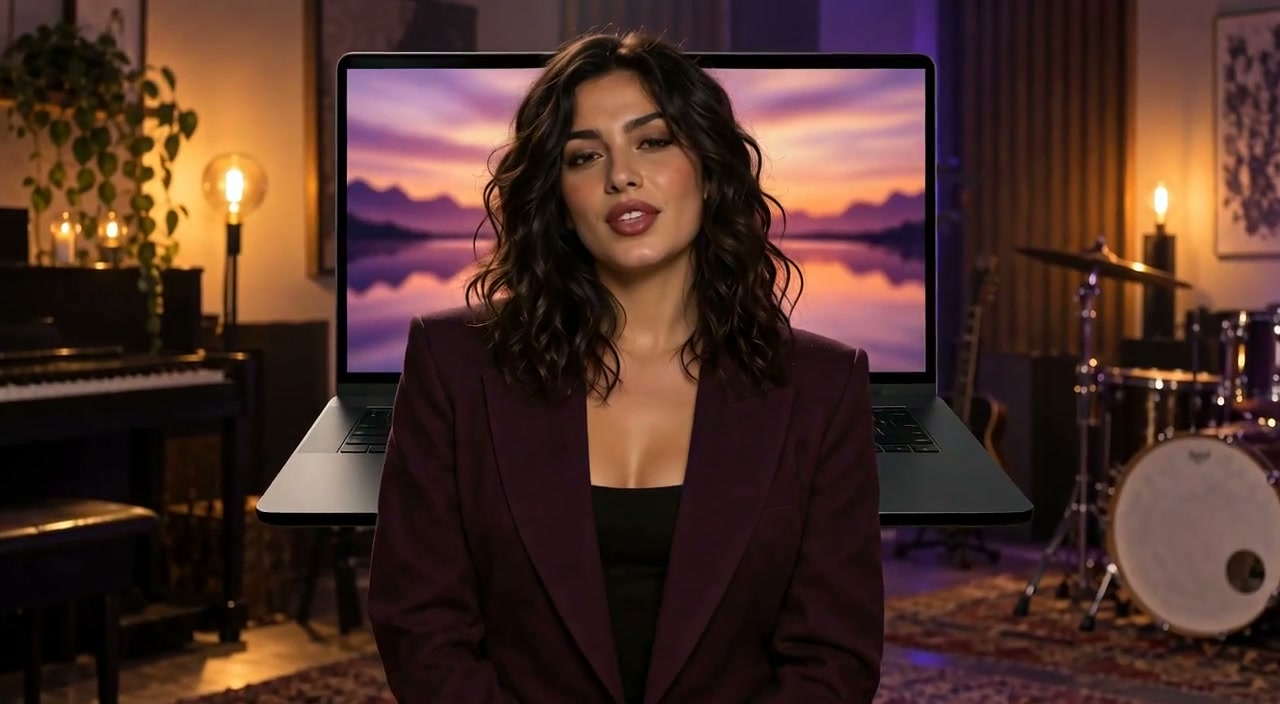
See how this photo becomes a music video: the character sings along while the shots change with the beat.
Source Materials

Upload your song
Generation
Lip-synced music video
Turn one photo and a song into a lip-synced music video. AI uses the music's beat to time the cuts and generate each shot — no prompt or storyboard needed.
Use a song with clear vocals, up to 6 minutes long.
Upload Audio File
MP3, WAV, M4A, WEBM
Current plan limit: 20 seconds
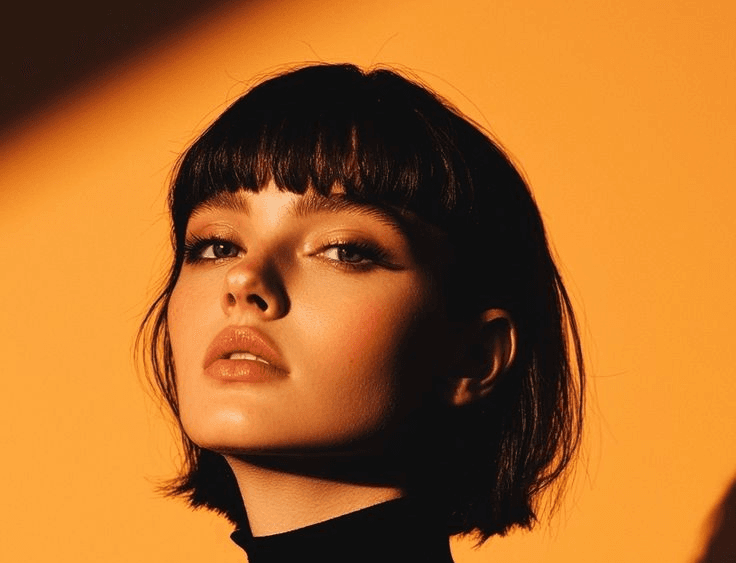
Recent Generations
See how this photo becomes a music video: the character sings along while the shots change with the beat.
Source Materials
Upload your song
Generation
Lip-synced music video
The model follows the music's beat to choose shot boundaries and generate the visuals for each shot.
Add your image and song. The model handles direction without style or shot-count settings.
Start for free, or use your video plan for longer music videos and high-resolution downloads.
Choose a clear character portrait you have permission to use. Keep the face and mouth easy to see.
Upload your existing music with vocals. Check the selected audio and your plan's input limit before generating.
The model follows the music's beat to choose shot boundaries and generate the visuals for each shot. The model creates the performance and shot changes automatically. Review lip sync, character consistency and musical continuity, then use the usual video download options.
Pair a release excerpt with a performer image for a music-video preview.
Bring a character portrait into an automatically directed singing performance.
Make visual clips for your own music without manually generating each shot.
Free generation does not use a Pro Video, and a free sign-in unlocks a watermark-free low-resolution video download. Paid video generation uses one Pro Video per result within plan limits—not extra credits for every second.
Every FreeLipSync tool runs on the same engine — pick the workflow that matches your input.
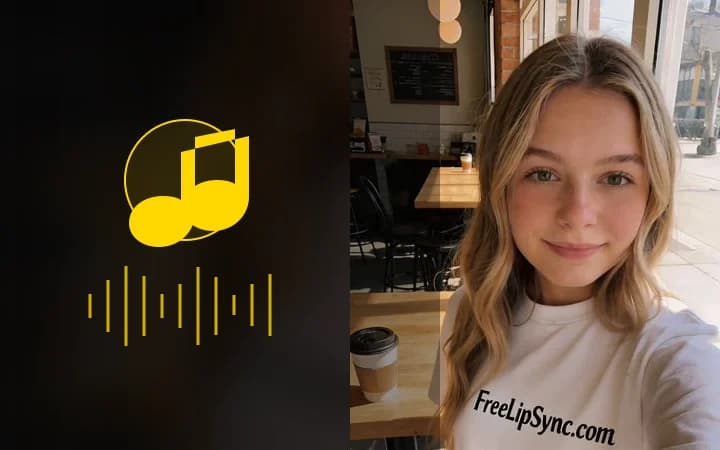
Upload a face photo, add audio, and turn a still image into a singing performance driven by the voice track.
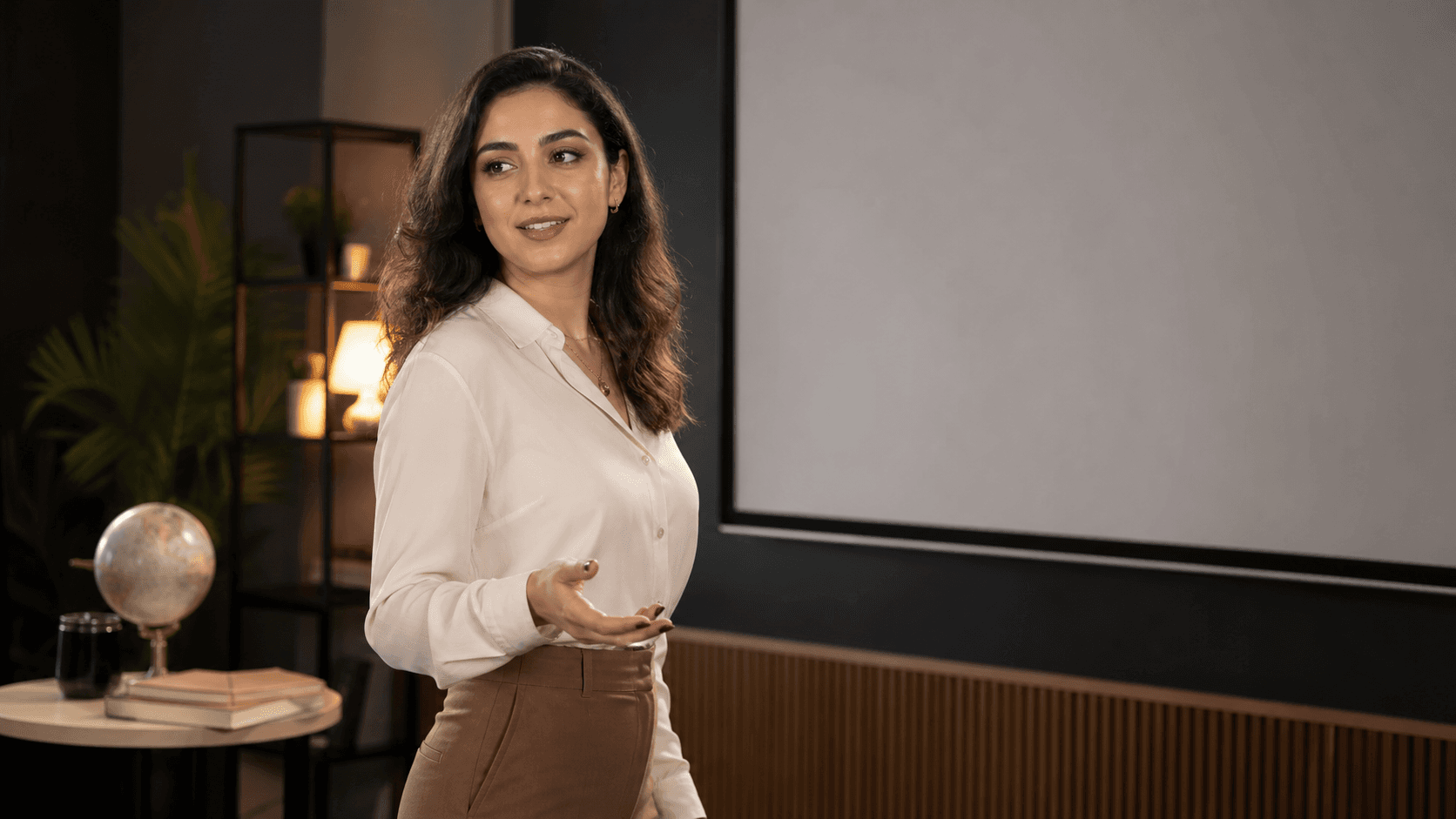
Upload a face photo, add audio, and turn a still image into a talking video driven by the voice track.
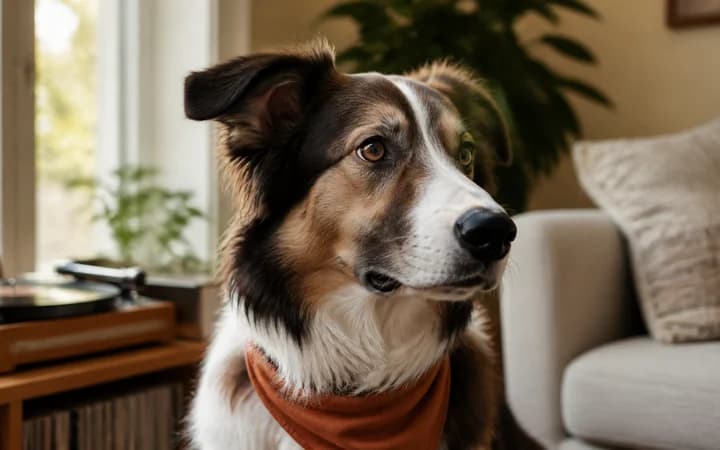
Upload a dog, cat, bird, rabbit, hamster, or horse photo and add a song to make your pet sing with AI lip sync.
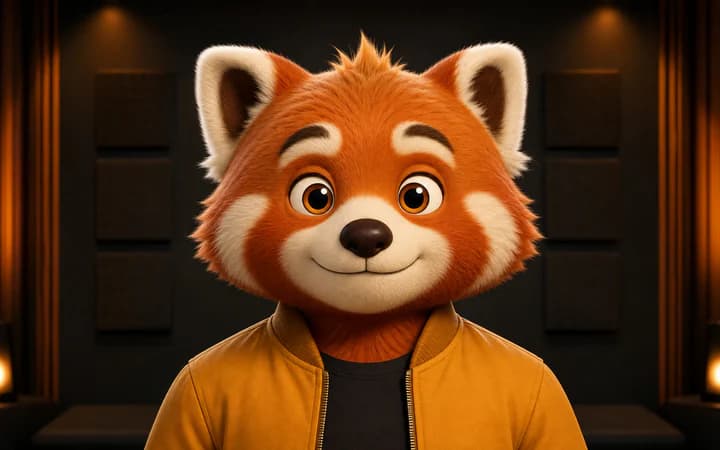
Upload a cartoon or anime character image, then use text or voice audio to generate accurate character lip sync.