Source Materials
Consonant-and-pause test audio
Generation
Unedited consonant-and-pause result
A direct generation with no manual mouth retiming or post-production replacement.
Upload a face video, use text or audio, and run a fast-to-start, accuracy-focused lip-sync workflow with sharp mouth detail — no local setup.

Recent Generations
Upload audio or record with microphone.
Upload Audio File
MP3, WAV, M4A, WEBM
Current plan limit: 20 seconds
Source Materials
Consonant-and-pause test audio
Generation
Unedited consonant-and-pause result
A direct generation with no manual mouth retiming or post-production replacement.
Upload a face video, use text or audio, and run a fast-to-start, accuracy-focused lip-sync workflow with sharp mouth detail — no local setup. It accepts both typed text with a preset or authorized cloned voice and uploaded or browser-recorded audio. The result is a watermark-free lip-sync video; Free accepts 133 text code points or 20 seconds of audio.
Skip local setup and long notebook sessions — upload video, add text or audio, and start immediately.
The workflow is designed to follow speech timing closely across consonants, pauses, and rapid dialogue; use the published test method for comparisons.
Preserve a cleaner mouth region and download a watermark-free MP4 from either input workflow.
Add an MP4, MOV, or WebM clip with one clearly visible face. Front-facing footage with an unobstructed mouth gives the improved engine the strongest source.
Type a replacement line and choose or clone a voice, or upload or record speech audio. Free text supports 133 characters and free audio supports 20 seconds; paid plans raise both limits.
The page creates speech from text when needed, analyzes its timing, and renders mouth alignment with clean facial detail. Keep the inputs unchanged when using the published comparison method.
Preview fast dialogue, consonants, and pauses, then sign in to download the clean, watermark-free MP4.
Replace a recorded line with a cleaner performance while keeping the original speaker and scene.
Apply a translated or re-recorded audio track and make the mouth follow the final performance more naturally.
Test alternate reads without rebuilding a local environment or spending time on repeated setup.
Generate a cleaner mouth region and tighter timing for Shorts, Reels, demos, and creator videos.
Use one stable close-up with a sharp, unobstructed mouth and clean speech containing clear consonants and pauses.
Reduce music, echo, clipping, and long ambiguous silence. Match the delivery to the intended expression.
A controlled phrase makes timing, mouth closure, and source problems easier to diagnose before a longer render.
Free generation deducts no Pro Video and outputs are watermark-free, subject to the free sign-in and resolution rules. Starter uses one Pro Video for one high-resolution result instead of charging credits for every second or minute. An active Pro subscription includes unlimited Pro Video generation entitlement.
The 2026 AI video pricing report calculates about $0.25 per effective Starter output minute when all 20 included results average one minute. This is comparison math, not FreeLipSync's billing unit.
Every FreeLipSync tool runs on the same engine — pick the workflow that matches your input.
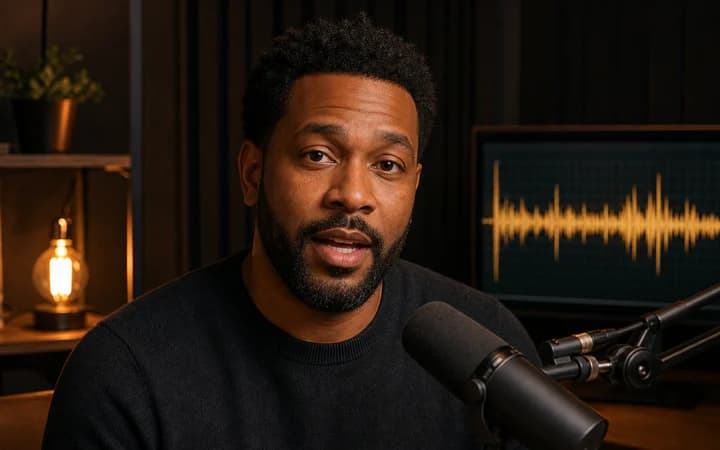
Upload a face video, add an audio file or recording, and sync the mouth movements to the new performance.
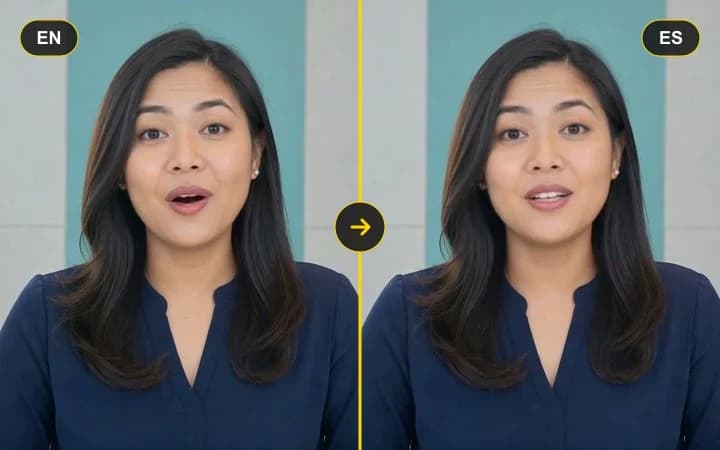
Upload a talking video, then paste translated text or add dubbed audio to re-sync the lips to the new language.
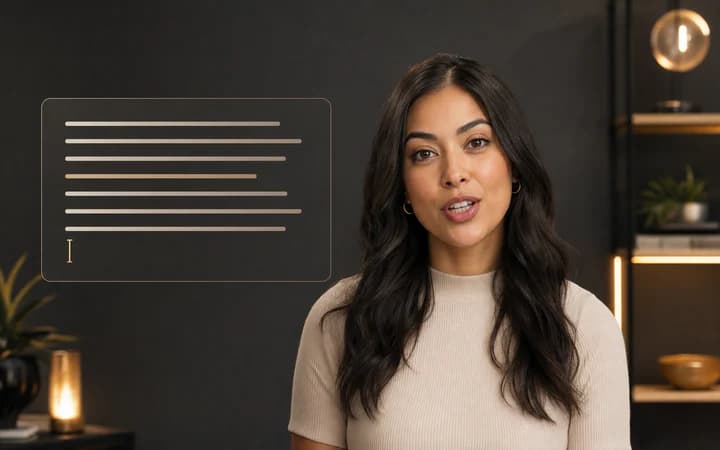
Upload a face video, type the new line, and replace speech with lip sync tuned for existing footage.

Upload a face photo, add audio, and turn a still image into a talking video driven by the voice track.