Source Materials
39-second replacement audio
Generation
39-second generated result
A longer talking video made from the five-second source and 39-second uploaded speech.
Upload a face video, add an audio file or recording, and sync the mouth movements to the new performance.
Upload audio or record with microphone.
Upload Audio File
MP3, WAV, M4A, WEBM
Current plan limit: 20 seconds

Recent Generations
Source Materials
39-second replacement audio
Generation
39-second generated result
A longer talking video made from the five-second source and 39-second uploaded speech.

Dub an existing video into another language with reviewed translation and AI lip sync. Follow a real English-to-Spanish example with its source clip, prepared Spanish audio, and unedited result.

Lip sync a face video to new audio online with a fast, accuracy-focused workflow. Inspect the exact consonant test, unedited result, and test method.
Use a recorded voiceover, podcast clip, or final mix and sync it to an existing face video.
Bring in finished audio files or capture a fresh take with the microphone workflow.
Update promos, lessons, interviews, and short-form content without reshooting video.
Add an MP4, MOV, or WebM clip with one clearly visible face. The original audio track will be replaced.
Upload an MP3, WAV, M4A, AAC, OGG, or FLAC file, or record directly in the browser. Free accounts support up to 20 seconds of audio; Starter allows 3 minutes and Pro 60 minutes.
The engine matches the mouth movement to the new audio frame by frame.
Check the result in the browser and download a clean, watermark-free video after signing in.
Replace a video's dialogue with a studio-recorded or translated track and keep the speaker's lips in sync with the new audio.
Pair strong audio moments with existing footage of the speaker to cut social clips without filming new video.
Sync any voice line or vocal track to a face video for entertainment formats and reaction content.
Rescue footage with unusable audio by re-recording the line cleanly and syncing it back onto the original take.
Every FreeLipSync tool runs on the same engine — pick the workflow that matches your input.
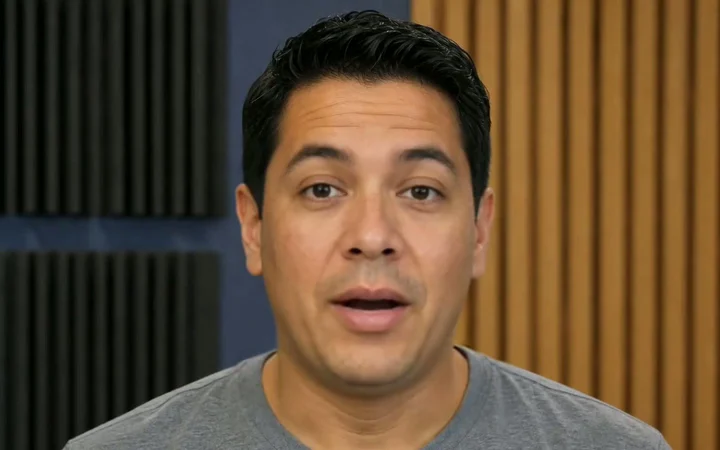
Upload a face video, use text or audio, and run a fast-to-start, accuracy-focused lip-sync workflow with sharp mouth detail — no local setup.
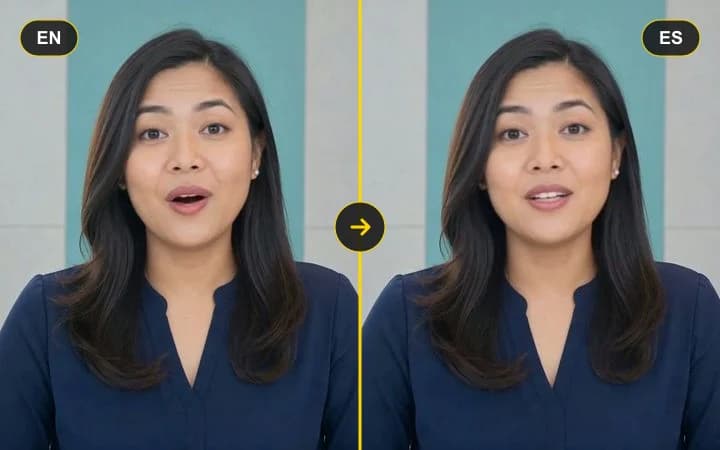
Upload a talking video, then paste translated text or add dubbed audio to re-sync the lips to the new language.
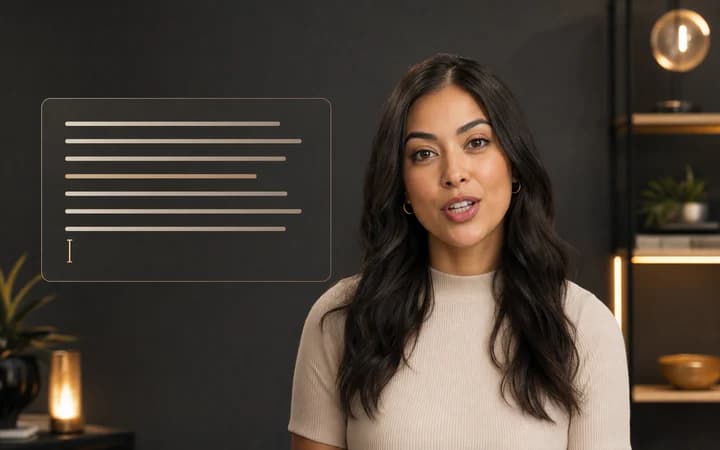
Upload a face video, type the new line, and replace speech with lip sync tuned for existing footage.

Upload a face photo, add audio, and turn a still image into a talking video driven by the voice track.