Tutorials
Follow step-by-step FreeLipSync tutorials for talking photos, dubbed face videos, voice cloning, and other AI lip sync workflows.
Start with a FreeLipSync tool
Choose the input workflow you already know: image and text, image and audio, singing photo, or an existing video.
Make Any Photo Talk — Free AI Talking Photo Generator Online
Upload a face photo, type a script, and turn it into a talking video with a focused lip-sync workflow.
Text to Video Lip Sync
Upload a face video, type the new line, and replace speech with lip sync tuned for existing footage.
Audio to Video Lip Sync
Upload a face video, add an audio file or recording, and sync the mouth movements to the new performance.
Audio to Talking Photo
Upload a face photo, add audio, and turn a still image into a talking video driven by the voice track.
Make Photo Sing — AI Singing Photo Generator
Upload a face photo, add audio, and turn a still image into a singing performance driven by the voice track.
Make Pet Sing — Free AI Singing Pet Video Maker
Upload a dog, cat, bird, rabbit, hamster, or horse photo and add a song to make your pet sing with AI lip sync.
AI Baby Podcast Generator
Upload a baby photo, then type a script or add podcast audio to create a viral talking-baby clip with realistic AI lip sync.
Talking Pet Video Maker
Upload a pet photo, then type a script or add audio to make your dog or cat talk with AI lip sync.
AI Cartoon & Anime Lip Sync Generator
Upload a cartoon or anime character image, then use text or voice audio to generate accurate character lip sync.
AI Video Dubbing Tool
Upload a talking video, then paste translated text or add dubbed audio to re-sync the lips to the new language.
Fast & Accurate Wav2Lip Online
Upload a face video, use text or audio, and run a fast-to-start, accuracy-focused lip-sync workflow with sharp mouth detail — no local setup.
Make Old Photos Talk
Bring an old family photo to life — type a message or add a recording, and the portrait speaks with gentle lip sync.
Browse tutorials by goal
Pick the result you want, then follow a guide with real source media and a finished output.
Make a photo talk
Turn one portrait, avatar, or old photo into a text-driven talking video.
How to Create Talking & Singing AI Videos from Video Frames, Images, and Audio with the FreeLipSync Chrome Extension
Import video frames, webpage images, and audio straight into FreeLipSync. Follow the YouTube frame demo and learn three quick ways to start talking or singing videos.

How to Make a Monkey Talk with AI
Make a monkey photo talk by adding a short script and a language-matched voice in FreeLipSync—no filming or manual mouth animation is needed.

How to Choose the Best Photo for a Talking Video
Choose a reliable talking-photo source by checking sharpness, lighting, facial detail, crop, and the amount of obstruction.

How to Make a Photo Talk in Another Language
Create a localized talking-photo message by rewriting the script naturally and selecting a voice for the target language.

How to Make a Photo Talk with Text
Make one photo talk from a typed script by choosing a voice and generating a short talking-photo video.

How to Make a Talking Photo Birthday Message
Turn a fictional portrait and a personal greeting into a warm talking-photo birthday message without imitating a celebrity.

How to Make a Talking Photo for an Online Course
Create a reusable lesson presenter from one instructor portrait and a concise course introduction without scheduling another recording.

How to Make a Talking Photo Look Realistic
Improve a talking photo by matching the source angle, voice, punctuation, and expected motion instead of forcing a perfect front view.

How to Make a Talking Photo Product Announcement
Create a concise product-update video from one product-lead portrait and a script that explains what changed and why it matters.

How to Turn Podcast Audio into a Talking Photo Video
Pair a finished podcast excerpt with one host portrait to create a visual podcast clip while preserving the original delivery.

How to Lip Sync an Anime Character with AI
Animate an original anime character from one still image and a voiced line without rigging or drawing mouth shapes by hand.

How to Make a Dog Talk with AI
Make a dog photo talk by pairing one clear front-facing pet portrait with a short personality-matched line.

How to Make a Grandparent Photo Talk with AI
Bring a fictional vintage grandparent portrait to life with a short, respectful reconstructed memory and a warm voice.

How to Make an AI Baby Interview Video
Create a short AI baby interview from one fictional baby portrait, a punchy answer, and a playful synthetic voice.

How to Make an AI Spokesperson Video from a Photo
Turn one clear professional portrait and a short business script into a polished AI spokesperson clip without filming or reshoots.

How to Make a Talking Pet Video with AI
Make a talking dog or cat video from one image and either text or audio. See the exact pet source, script, unedited result, input tips, limits, and pricing.

How to Make an AI Avatar Lip Sync from One Image
Turn one presenter image into a talking AI avatar with a short script and preset voice. See the exact source, audio, raw result, settings, and quality checks.

How to Make an Old Family Photo Talk with AI
Animate an old family portrait with a short, respectful script. See a fictional source photo, exact audio, raw result, restoration checks, and disclosure guidance.

How to Create a LinkedIn Profile Video from a Headshot
Turn a professional headshot into a talking LinkedIn or Instagram profile introduction in minutes with FreeLipSync. This tutorial uses a marketing consultant photo and a preset voice to build an AI profile video.

How to Create a Celebrity Birthday Video from a Photo
Make a funny AI celebrity birthday video from one photo with FreeLipSync. This tutorial uses a celebrity photo, a cloned voice, and generated result examples.
Animate with uploaded audio
Keep the timing, pauses, and delivery from a finished recording.

How to Make an AI Baby Podcast Video
Make a fictional baby podcast clip from one image and either audio or text. See the exact source, voice, unedited result, settings, limits, and pricing.

How to Make a Photo Talk with Uploaded Audio
Sync an existing voice recording to one portrait with Audio to Talking Photo. Compare the exact MP3 input and unedited result, then follow the quality checklist.

Turn a Photo into a Voiceover Video with One Photo and One Emotional Audio Track
Use one LinkedIn-style profile photo and one uploaded voice track to create an audio-driven talking photo. This example repeats the same line three times with different tone and emotion, and the finished video reflects each shift clearly.
Make a photo or character sing
Drive a clear face image with a song and review the singing performance.

How to Make a Baby Photo Sing
Make a baby photo sing. See the photo, the song, the lyrics and the untouched result from Make Photo Sing.

How to Make a Bird Photo Sing
One bird photo and one short song clip, run through Make Pet Sing. See the photo, the audio, the lyrics and the untouched result.

How to Make a Cat Photo Sing
One cat photo and one short song clip, run through Make Pet Sing. See the photo, the audio, the lyrics and the untouched result.

How to Make a Dog Photo Sing
One dog photo and one short song clip, run through Make Pet Sing. See the photo, the audio, the lyrics and the untouched result.

How to Make a Hamster Photo Sing
One hamster photo and one short song clip, run through Make Pet Sing. See the photo, the audio, the lyrics and the untouched result.

How to Make a Horse Photo Sing
One horse photo and one short song clip, run through Make Pet Sing. See the photo, the audio, the lyrics and the untouched result.

How to Make a Photo Sing Happy Birthday
Turn a photo into a birthday message that sings. See the portrait, the song, the lyrics and the untouched result from Make Photo Sing.

How to Make a Rabbit Photo Sing
One rabbit photo and one short song clip, run through Make Pet Sing. See the photo, the audio, the lyrics and the untouched result.
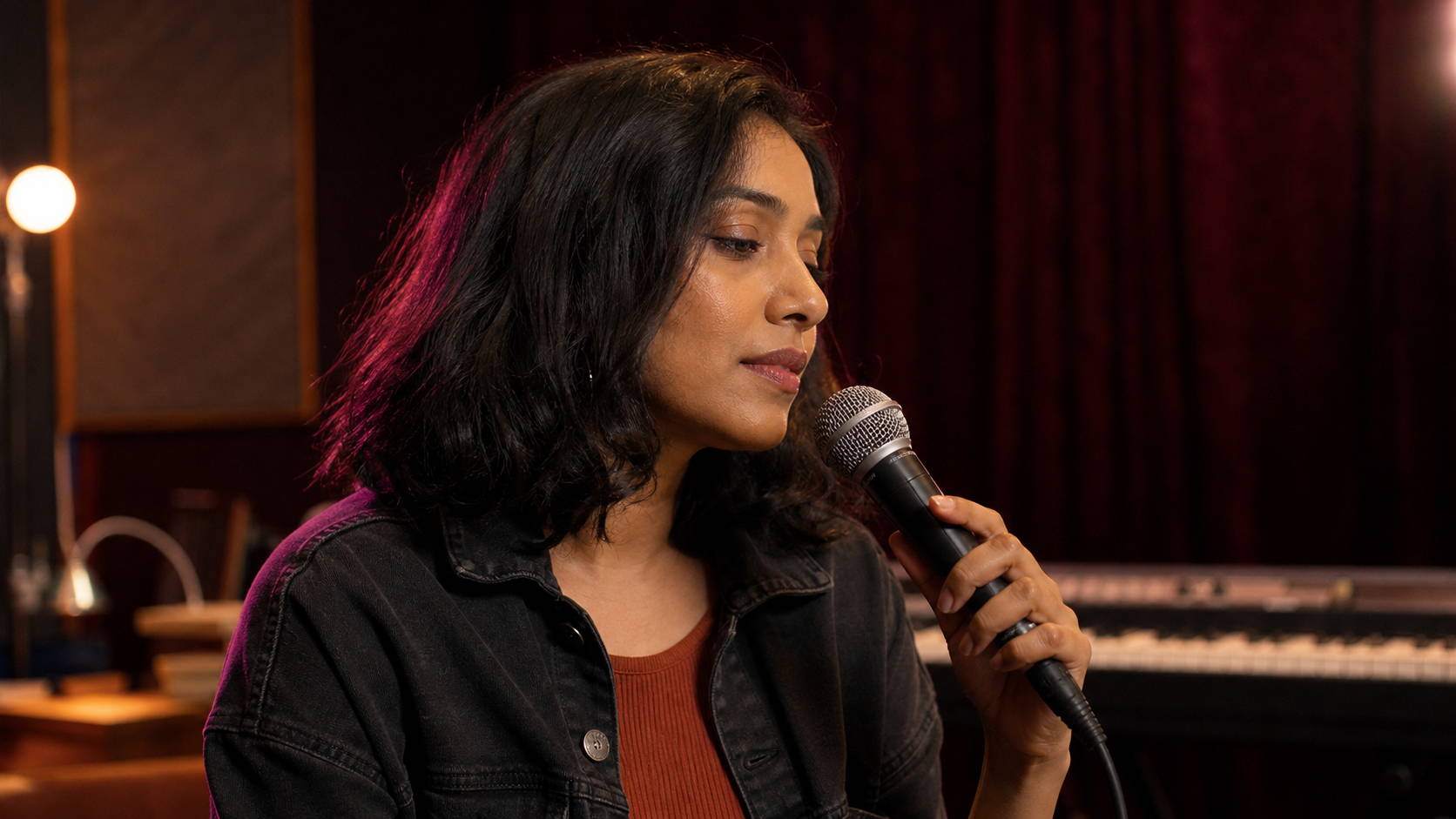
How to Make a Singing Photo for an Original Song
Promote an original song with a singing photo of the artist. See the portrait, the audio, the lyrics and the untouched result.
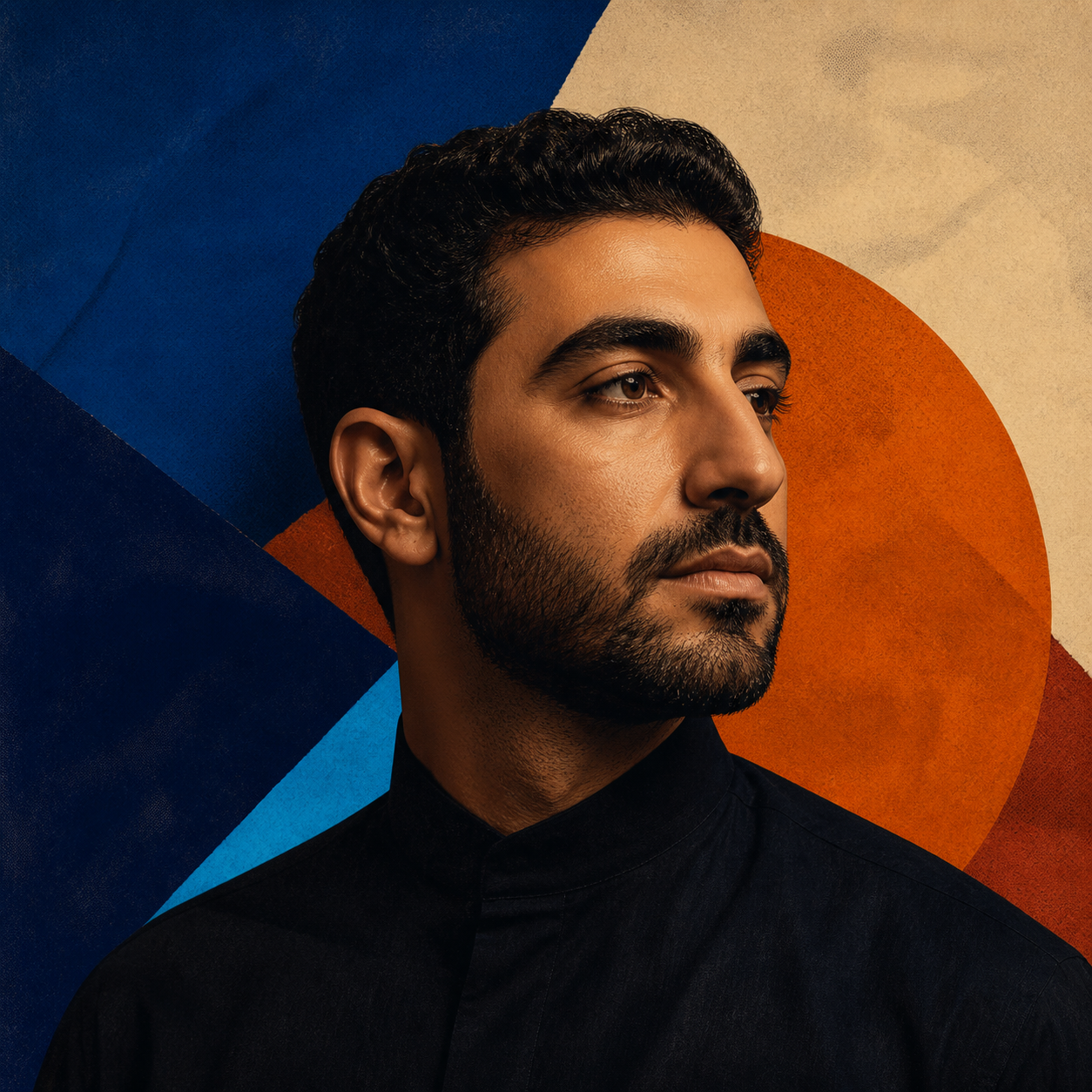
How to Make an Album Cover Sing
Animate your own album artwork so the cover sings. See the square source art, the song, the lyrics and the untouched result.

How to Make an Anime Character Sing
Make an original anime character sing. See the artwork, the song, the lyrics and the untouched result from Make Photo Sing.

Make a Photo Sing — One Portrait and One Song Clip
One portrait plus one short song clip, run through Make Photo Sing. See the photo, the audio, the lyrics and the untouched result.

How to Make a Cartoon Character Talk and Sing with AI
Animate one original cartoon character with spoken dialogue and a short song. Compare the exact inputs and two raw FreeLipSync results from the same image.
Edit speech in an existing video
Replace or resync dialogue while keeping the original face footage.

How to Dub a Video with AI Lip Sync
Dub an existing video into another language with reviewed translation and AI lip sync. Follow a real English-to-Spanish example with its source clip, prepared Spanish audio, and unedited result.

How to Use Wav2Lip Online for Fast, Accurate Lip Sync
Lip sync a face video to new audio online with a fast, accuracy-focused workflow. Inspect the exact consonant test, unedited result, and test method.

How to Replace Speech in a Video with Uploaded Audio
Use a short existing source video with longer uploaded audio to make natural talking videos, or replace speech in a longer clip while keeping its original performance.

Rewrite a Talking Video with a New Script
Change what someone says in an existing talking video by typing a new script. See when text-driven lip sync saves a new recording, how to choose a reusable source clip and voice, and a real source-to-result example.
Fix lip-sync quality
Diagnose timing and source-image problems before generating again.
