Free Tools

AI Talking Photo Generator

Upload a face photo, type a script, and turn it into a talking video with a focused lip-sync workflow.

0/133 chars

Select model:

Fast, especially for video input. Best for normal speaking videos.Slower, but with richer facial expressions and gestures.
Please upload an image or select an image sample.

Preview area

Preview area

Preview area

Recent Generations

You don't have videos yet. Start now. It's free & easy.
Powered by FreeLipSync proprietary engine
AI Talking Photo Generator

Tutorials

More

Source Materials

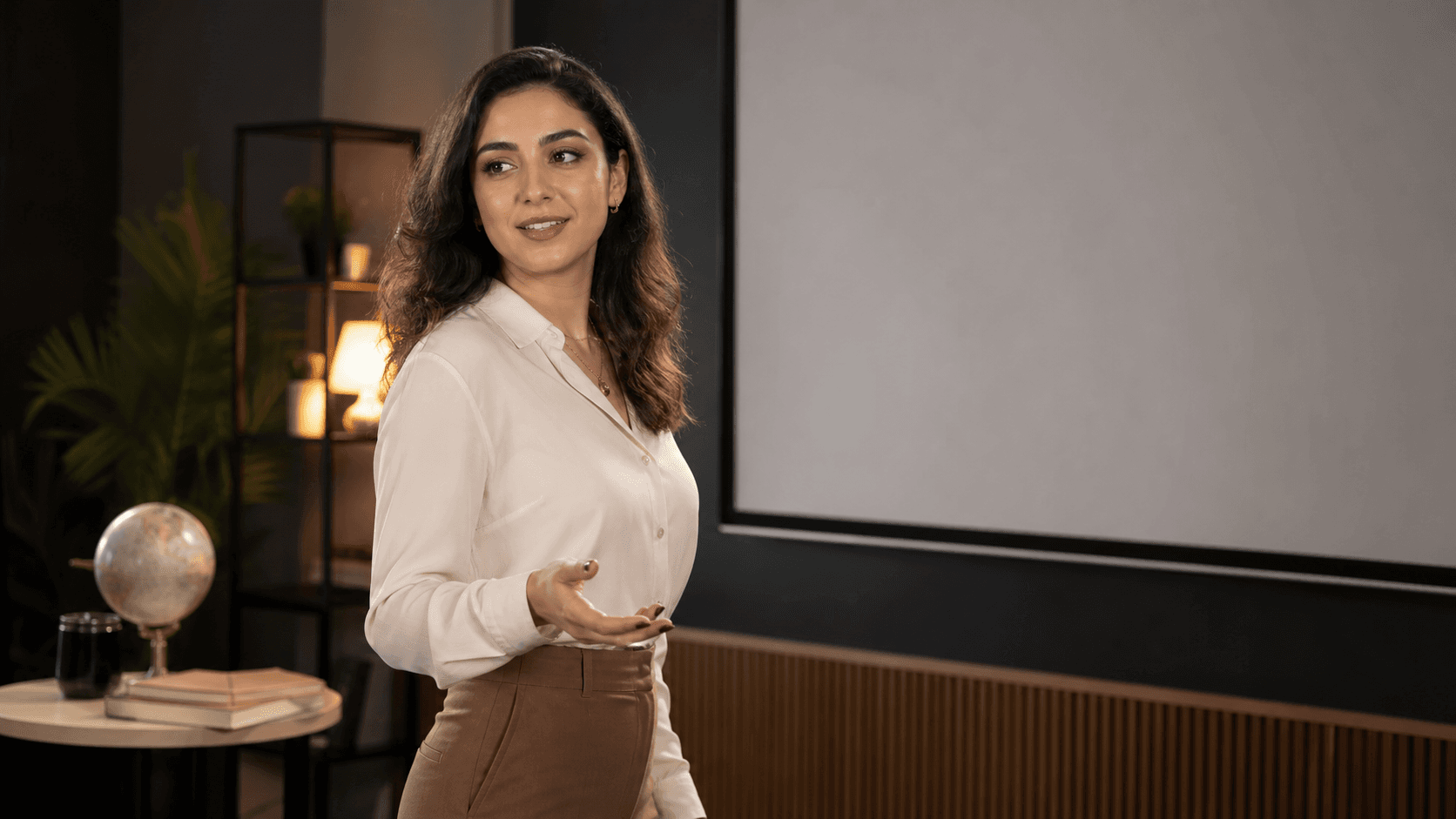
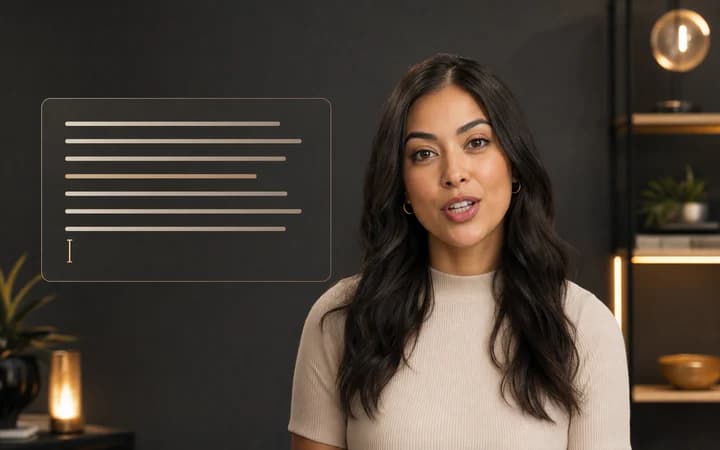
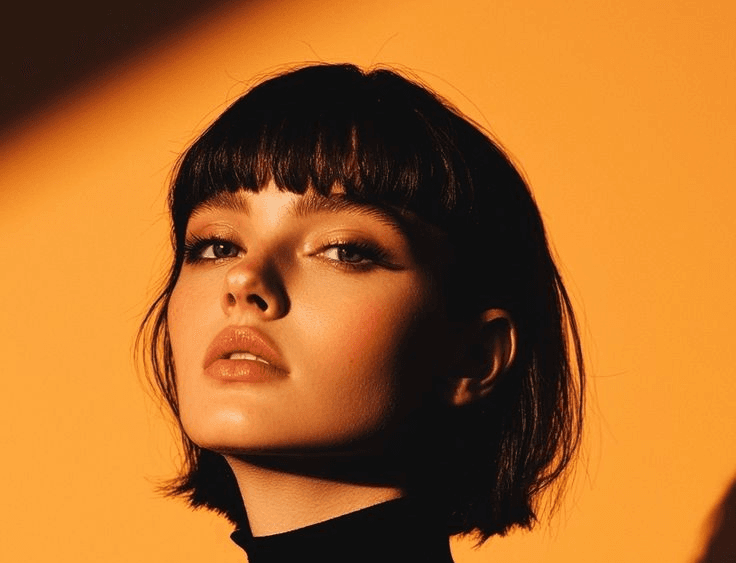
Source headshot
Hi, I'm Sarah, a senior marketing consultant with over 8 years of experience in B2B SaaS. I help startups scale their lead generation. Feel free to connect with me!

Generation

Generated LinkedIn intro

The finished talking-photo result generated from the source headshot, script, and preset voice.

Turn portraits into speakers

Use headshots, avatars, and product photos to create a talking presenter without filming new footage.

Write the line, keep the face

Type the script, pick a voice, and generate a lip-synced clip in one focused flow.

Built for demos and social posts

Create explainers, character videos, and landing-page content from one still image.

How to make a photo talk

  1. 1

    Upload a face photo

    Add a JPG, PNG, or WebP with one clearly visible face — a headshot, avatar, character art, or product mascot all work.

  2. 2

    Type your script

    Write what the photo should say. Free accounts support up to 133 characters; Starter raises the limit to 800 and Pro to 16,000.

  3. 3

    Pick or clone a voice

    Choose a preset voice from the catalog or clone a voice from a short audio sample so the photo speaks in a specific voice.

  4. 4

    Generate and download

    The engine lip-syncs the mouth to the script and renders a clean, watermark-free video you can preview in the browser and download after signing in.

What people make with it

LinkedIn and profile intros

Turn a professional headshot into a short spoken introduction for LinkedIn, a personal site, or an email signature — no camera or recording session needed.

Product explainers with a mascot

Give a brand mascot or product illustration a voice for landing pages and onboarding clips, keeping the visual identity you already have.

Character and avatar content

Make game characters, anime avatars, or AI-generated portraits deliver lines for YouTube, TikTok, and community posts.

Greetings and announcements

Create birthday messages, event invitations, or team announcements from a single photo when filming isn't practical.

AI talking photo FAQ

More free AI lip sync tools

Every FreeLipSync tool runs on the same engine — pick the workflow that matches your input.

Compare Free, Starter, and Pro plans