AI Podcast Video Generator
Make a two-host lip-synced podcast video from one photo and separate voices. Arrange co-hosts, pauses and reactions on two audio tracks — no filming required.
Baby Podcast tutorial
Watch Baby Trump and Baby Musk talk video value in this 26-second demo, then make your own two-host podcast with a photo and separate dialogue clips.
AI parody · Fictional dialogue, not real statements or endorsements.
Keep both faces clear and mouths unobstructed. In this example, Baby Trump is on the left and Baby Musk is on the right.
Use the six turns below as a starting point. Upload your recordings or edit the lines with member text-to-speech, keeping a consistent voice for each host.
Put Trump's lines on the left character's track and Musk's on the right character's track. Stagger the clips and leave short pauses so each host can finish speaking.
Check the dialogue timing, then generate your lip-synced podcast video. Your audio determines the length, within your plan's limit. Watch the result before downloading.


Upload recordings for each host, or turn their lines into audio with text-to-speech (TTS). Add each clip to the right host's track, then drag it to adjust speaking turns and pauses for a natural conversation.
The demo and script are in English. Left: Baby Trump (turns 1, 3, 5). Right: Baby Musk (turns 2, 4, 6). Adapt the lines for your own characters.
1. Baby Trump 00:00.5
Elon, do you charge me by the second? I talk a lot. A LOT. Terrible deal.
2. Baby Musk 00:07.0
FreeLipSync doesn't do that. Free generation uses zero Pro Videos.
3. Baby Trump 00:11.5
Zero? Beautiful number. What about paid videos?
4. Baby Musk 00:15.6
Within your plan's time limit, longer videos don't burn extra credits. No per-second meter.
5. Baby Trump 00:20.9
More video. Less counting. Tremendous value.
6. Baby Musk 00:23.8
Exactly. Save the budget for diapers.
Want to switch from a two-shot to a close-up of one host? Prepare a photo of both hosts and a solo image of each in the same setting. Generate the two-person shots here, then use either tool below for the solo shots.
Already have the dialogue recording? Upload a solo image and the audio for that shot. Reuse the same voice recordings to keep the conversation consistent.
Starting from a script? Upload a solo image, enter that host's lines and choose a voice to generate a talking clip. Keep the voice consistent across shots.
Download the clips and assemble them in your own video editor, in dialogue order: both hosts, Baby Trump close-up, Baby Musk close-up, then both hosts again. Match aspect ratios and check audio transitions for a continuous conversation.
This is a manual editing workflow. This page does not switch cameras or stitch clips together automatically. Tool links open in a new tab so you can keep this page open.
Step-by-step tutorial
How to Use an AI Podcast Video Generator for Two HostsSee the inputs, workflow, and finished example.
AI Podcast Video Generator
Make a two-host lip-synced podcast video from one photo and separate voices. Arrange co-hosts, pauses and reactions on two audio tracks — no filming required.
Try an example
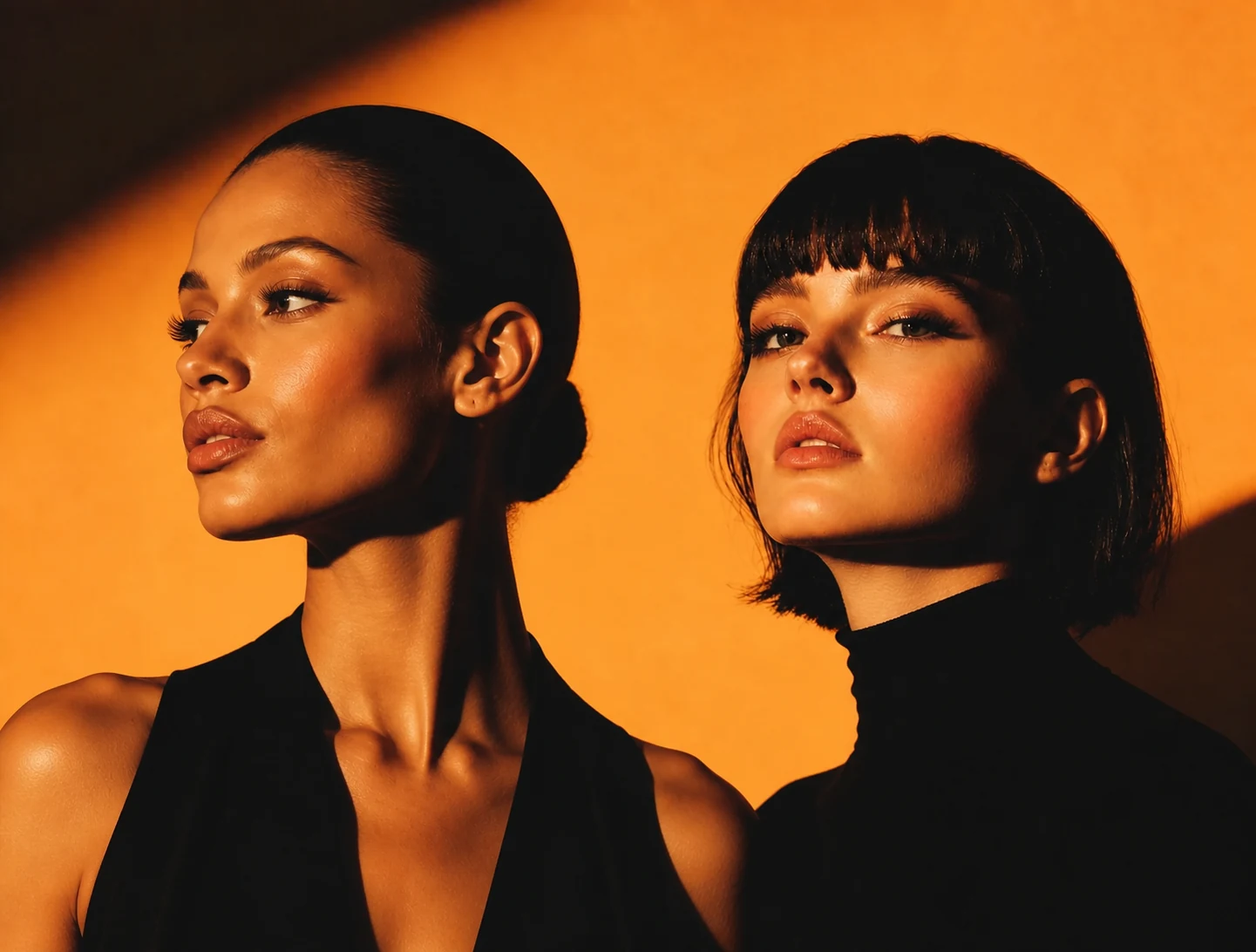
Host A · left
Host B · right
Select a clip to edit it. Click the ruler to position the playhead.
Give both hosts room to develop an idea. Add short reactions between longer turns, leave breathing space, and overlap tracks only for intentional interruptions. You can use just one speaker track. Both tracks render to the same duration, and every gap becomes silence.
Make a two-host lip-synced podcast video from one photo and separate voices. Arrange co-hosts, pauses and reactions on two audio tracks — no filming required.
Choose a JPG, PNG, or WebP that clearly shows both faces. The browser uses the two leftmost detected faces as the speaker avatars.
Upload one or more audio clips to either track. You may use only one track when just one person needs to speak.
Give both hosts room to develop an idea. Add short reactions between longer turns, leave breathing space, and overlap tracks only for intentional interruptions.
Review the final duration, generate the two-person lip sync video, then preview it and choose an available watermark-free download option.
Make a two-host lip-synced podcast video from one photo and separate voices. Arrange co-hosts, pauses and reactions on two audio tracks — no filming required.
Give both hosts room to develop an idea. Add short reactions between longer turns, leave breathing space, and overlap tracks only for intentional interruptions.
Choose a front-facing or lightly angled image where both mouths are clear and neither face is heavily covered.
Use clips with clear voices and little background music or noise so each speaker track drives the intended face cleanly.
Use empty timeline space for breathing room, and overlap tracks only where people should genuinely speak together.
One Generate button serves every plan. Your current tier determines the available timeline length; free users can preview completed results, while original-resolution downloads may require Pro or a one-time unlock.
Every FreeLipSync tool runs on the same engine — pick the workflow that matches your input.
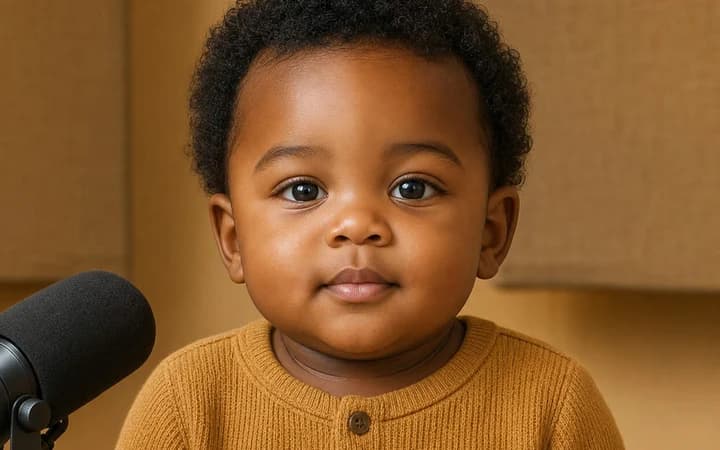
Upload a baby photo, then type a script or add podcast audio to create a viral talking-baby clip with realistic AI lip sync.
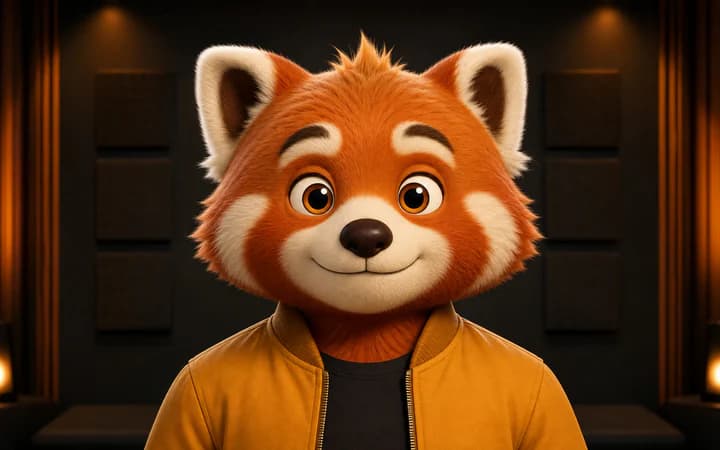
Upload a cartoon or anime character image, then use text or voice audio to generate accurate character lip sync.
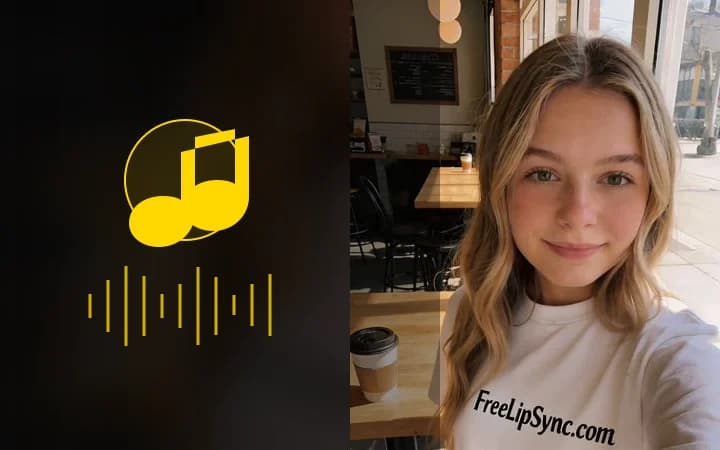
Upload a face photo, add audio, and turn a still image into a singing performance driven by the voice track.