Free Tools

AI Lip Sync with Text-Based Motion Control

Animate a photo with speech and movement. Describe the action and camera motion, then add audio or text for a lip-synced video up to 30 seconds.

  • Free
  • No sign-up
  • No watermark
Please upload an image or select an image sample.
Powered by FreeLipSync proprietary engine
AI Lip Sync with Text-Based Motion Control

Action and camera control example

She removes her glasses while speaking as the camera slowly pushes in. Voice: ALLE.

Source Materials
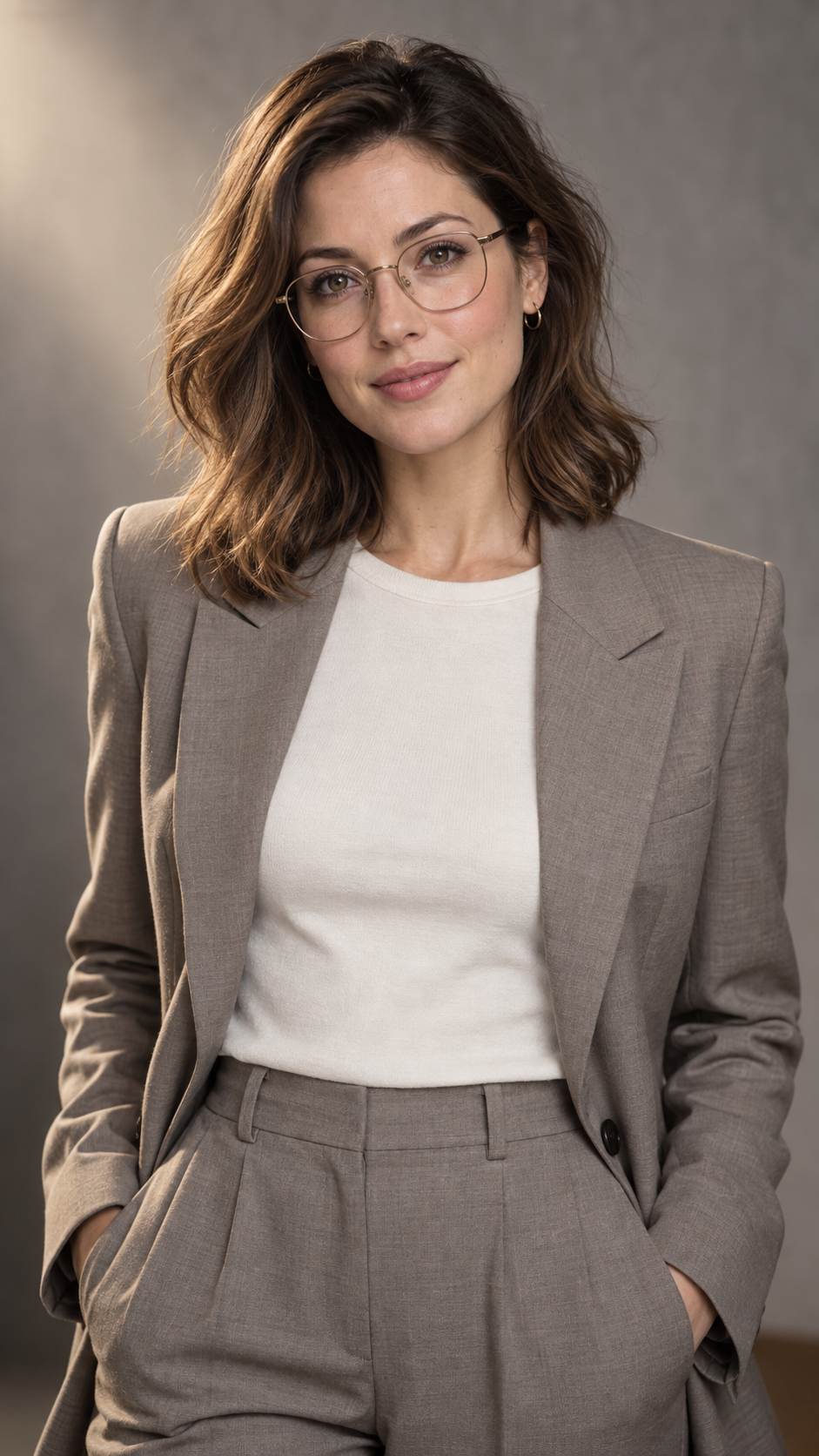
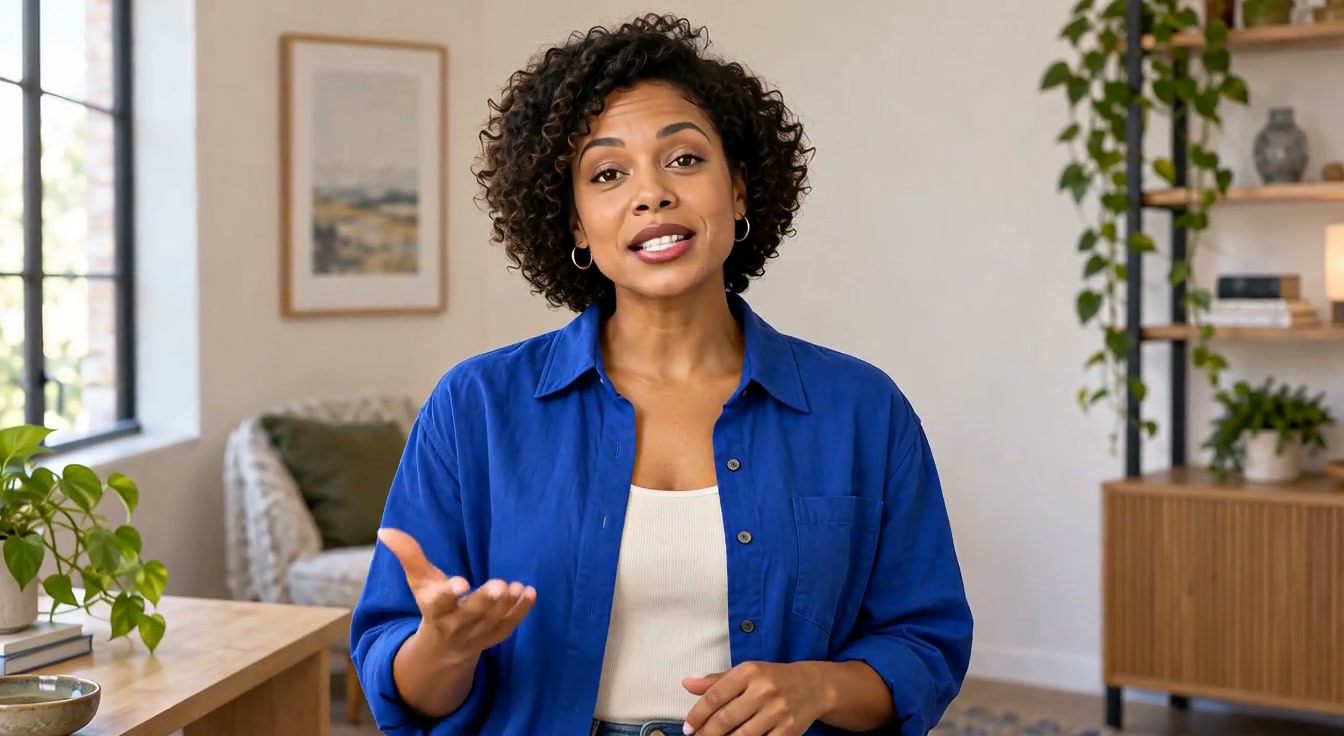
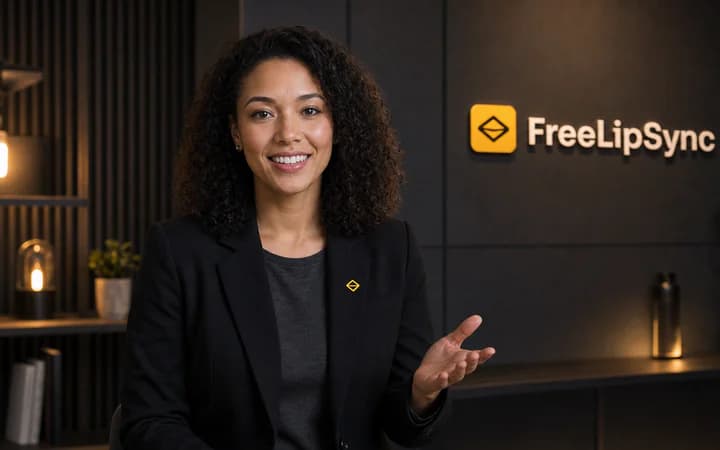
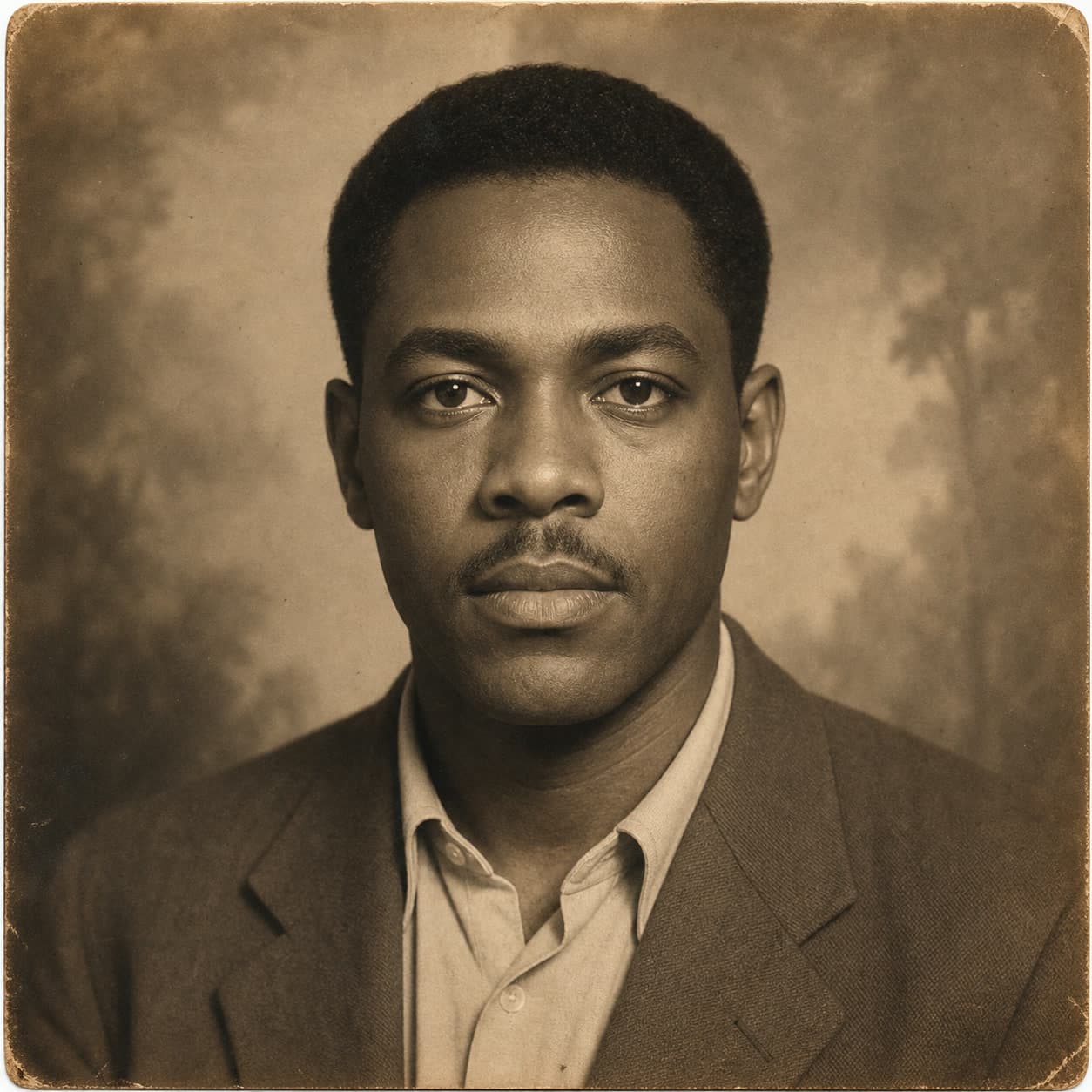
Portrait
Action: She slowly takes off her glasses, revealing her face. Camera: The camera gently pushes in toward her face at slow speed, ending in a close-up. Voice: ALLE (English · Female · Young Adult · Energetic)

ALLE voice preview (not the example script)

Generation

Removing glasses while speaking

What is lip sync with motion control?

Lip sync with motion control combines a photo, speech and written movement instructions in one video. Describe the person's action and camera movement separately, then use uploaded audio or text-to-speech to drive the mouth. This tool uses Super for a single shot up to 30 seconds; movement is guided by text rather than a reference motion video.

Describe the action

Guide the person's movement while they speak.

Direct the camera

Describe a slow push-in, pull-back or framing change.

Audio or text

Use recorded audio or AI speech, up to 30s / 150 effective characters.

How to make a talking photo with motion

  1. 1

    Add a portrait

    Choose one person with a clear, visible face and mouth.

  2. 2

    Add speech and direction

    Upload audio or enter a spoken script, then describe the action and camera movement.

  3. 3

    Generate and review

    Review the lip sync, movement and character consistency before downloading.

What can you create?

Character dialogue

Have a character remove glasses, turn their head or gesture while speaking.

Presentations and explainers

Support a short explanation with gestures and a gentle camera push-in.

Input limits

  • Super accepts up to 30 seconds of audio or 150 effective script characters, counted the same way as Multi-scene. Speech speed and pauses affect actual duration.
  • Confirm a trim for overlong audio; shorten overlong scripts before submitting. Complex motion or an obscured mouth can affect lip sync, so review the result.

Motion control lip sync FAQ

More free AI lip sync tools

Every FreeLipSync tool runs on the same engine — pick the workflow that matches your input.

Compare Free, Starter, and Pro plans