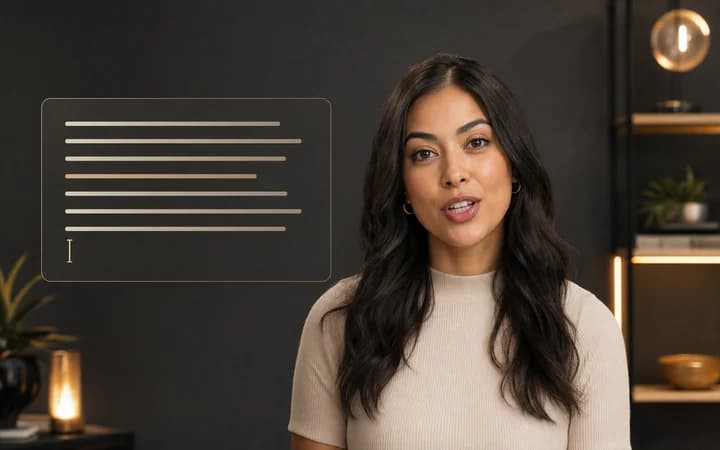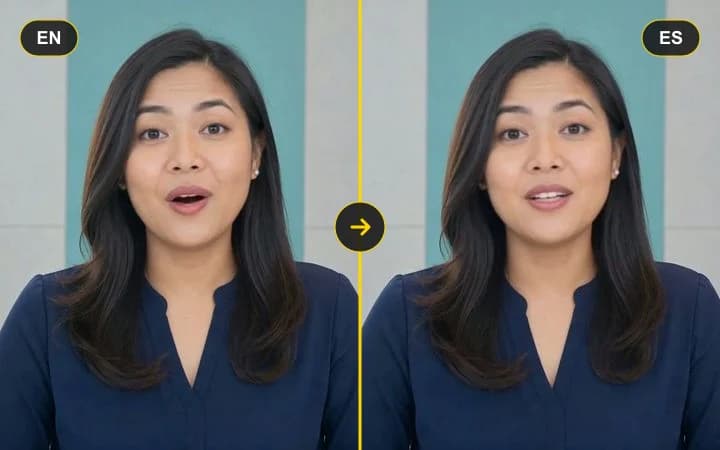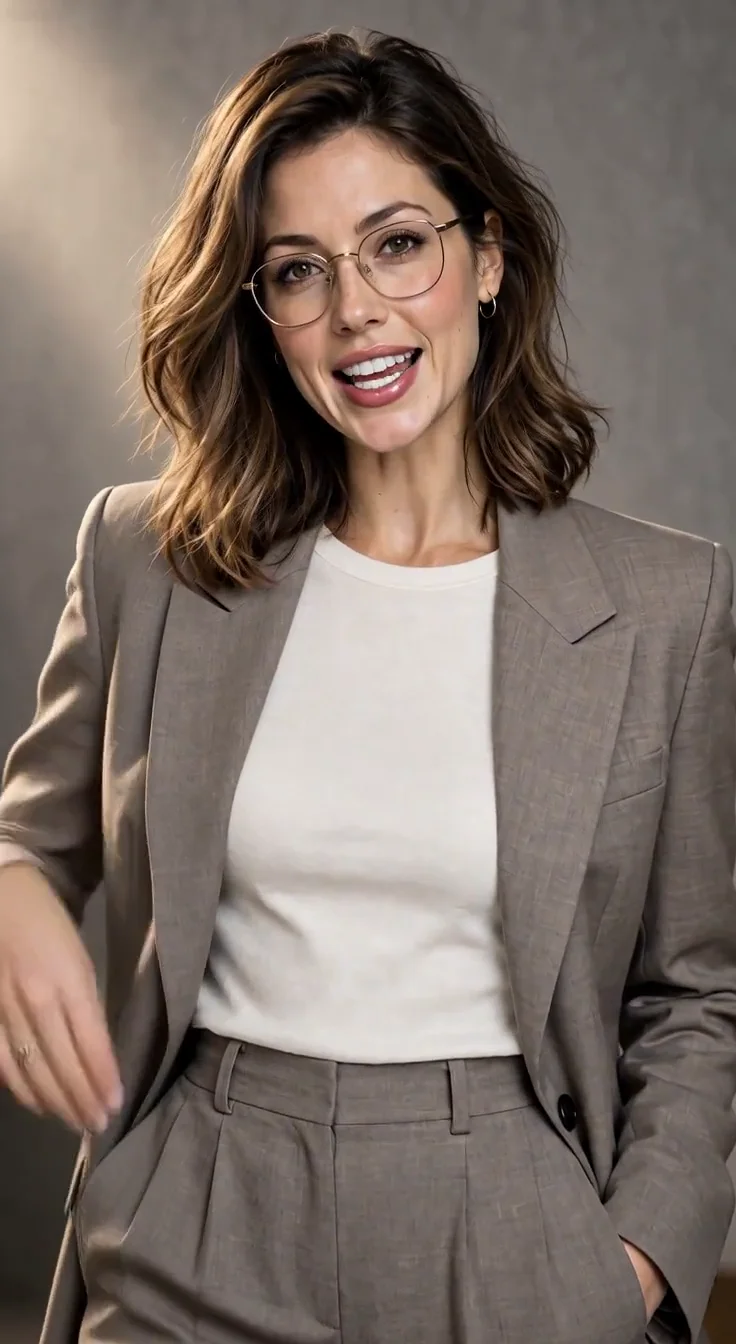
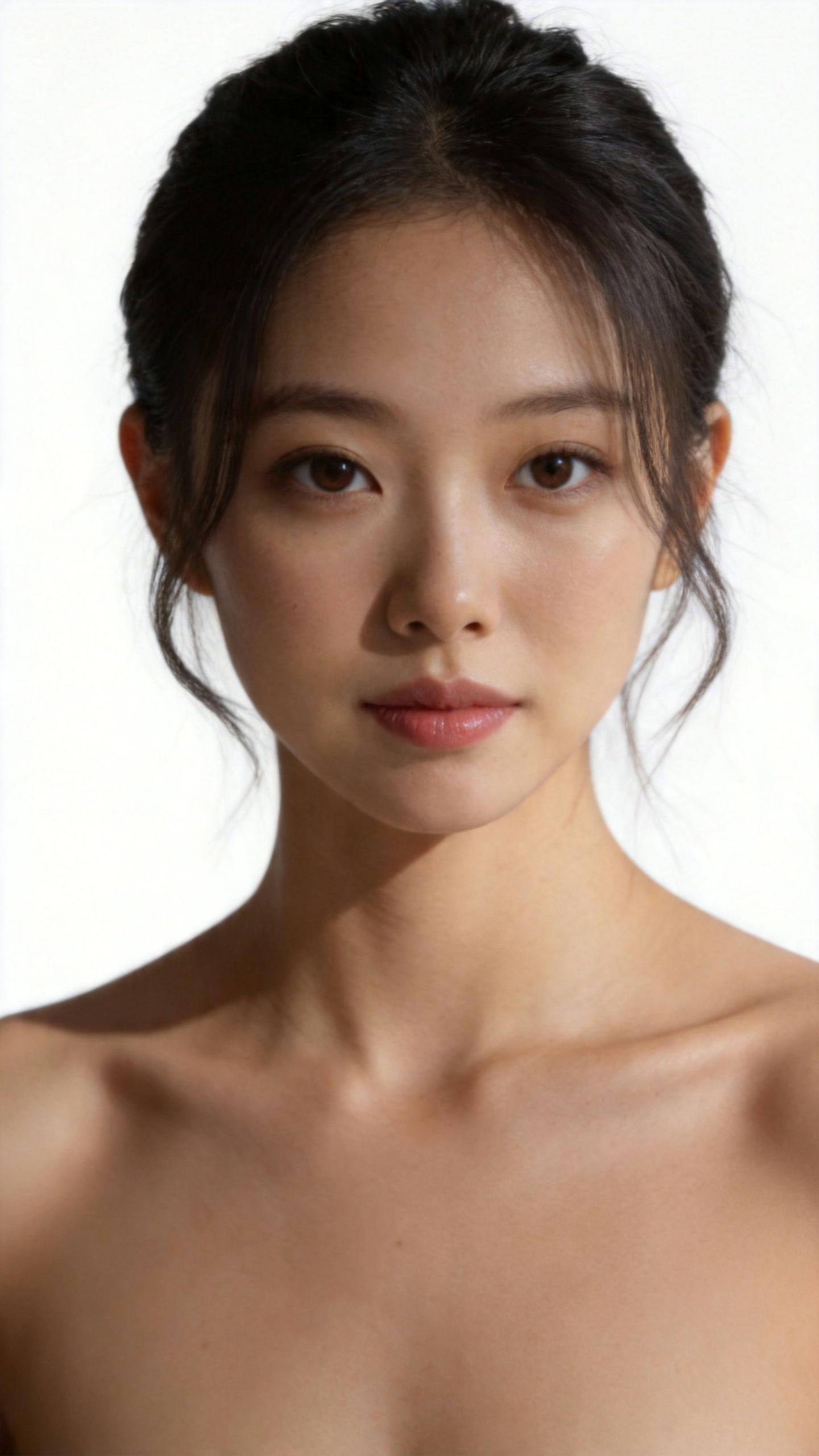
Creative short videos
Try a different face in footage you own for short videos, Reels or character clips. Review the generated face before using the result in your edit.
No Sign-up, No Watermark
Swap a face in your video using a photo. Upload an existing clip and a clear face image, generate free online, then sign in to download without a watermark.
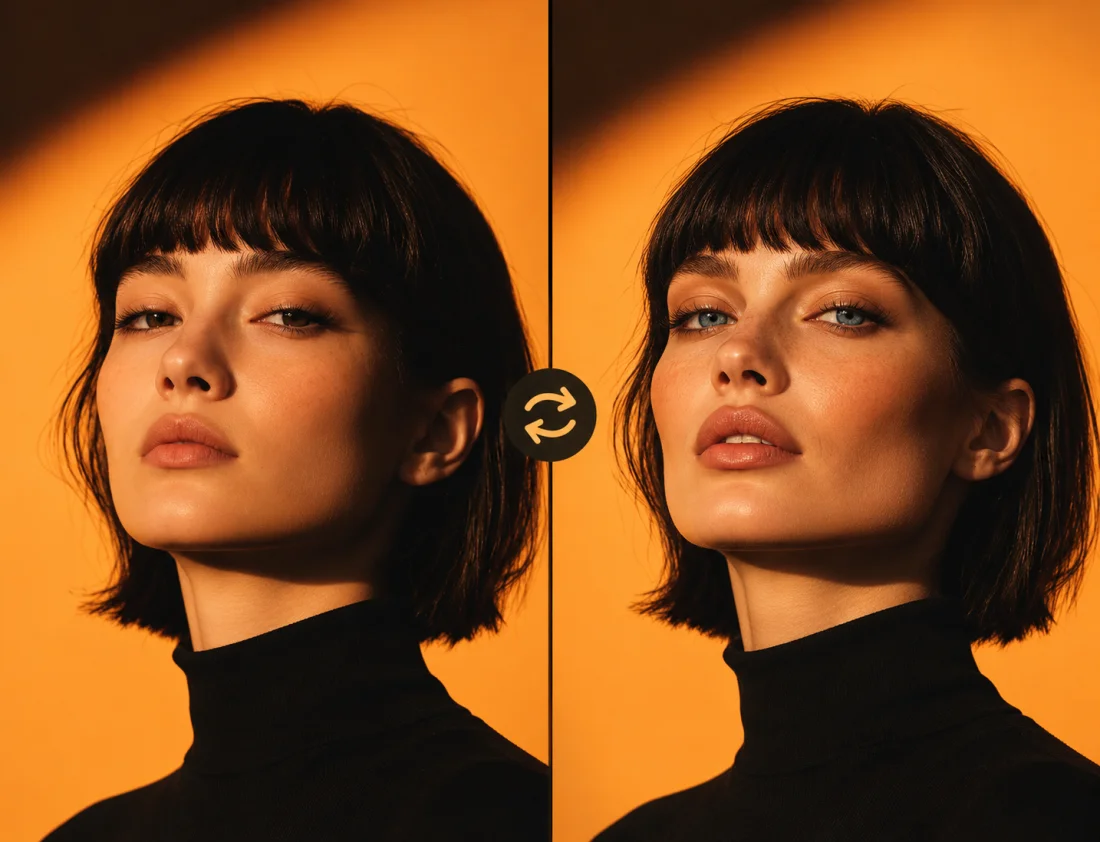
A face photo replaces the face in this 12-second clip. The original voice, outfit and movement remain in this example.
AI video face swap replaces a face in existing footage using a reference photo. Create a face swap video from an uploaded clip, preview it in your browser, then download or continue with lip sync.
Choose an MP4, MOV or WebM video. Use a clip with one clearly visible face. Videos without audio are supported.
Choose a sharp, front-facing JPG or PNG face photo (up to 10 MB). Avoid obstructions and extreme angles.
Choose Free or Pro generation, preview the result, then sign in to download. Longer videos may take longer to process.
Try a different face in footage you own for short videos, Reels or character clips. Review the generated face before using the result in your edit.
Reuse a reference portrait or a saved photo to try the same character in several existing videos. Each clip creates its own face swap result.
Replace the face in a talking-head video, then use a separate lip sync tool if you also want to change the spoken words.
Use footage with one clearly visible face and a sharp, front-facing portrait. Good lighting and less obstruction make the reference easier to use.
Use a JPG or PNG photo up to 10 MB, choose a ready-to-use face below the upload area, or select a saved image from My uploads with an eligible membership.
Upload an existing video within your plan’s size and duration limits. Silent videos are supported too. Check the preview when the face turns or moves quickly.
One original-quality video uses one Pro Video, regardless of its length within your plan. No credits or per-second charges. Pro includes unlimited Pro Videos.
Free: 20 seconds · Starter: 3 minutes · Pro: 30 minutes. Generate without signing up. Sign in for watermark-free downloads. Free downloads use lower resolution; original quality requires Pro Video entitlement.
Free / Starter / Pro ↗Bring your result into an audio or text lip-sync draft. Nothing generates automatically. Face swap and lip sync are separate works; each original-quality generation uses its own Pro Video entitlement.
AI video face swap changes a face in an existing video using a face from a reference photo. You provide the clip and portrait; the result is a new video.
Yes. The free video face swap option supports clips up to 20 seconds. Generate without signing up, then sign in for a watermark-free download at lower resolution.
Upload the original video, choose a clear face photo and generate. You can also choose a supplied portrait or, with a qualifying membership, a saved photo from My uploads.
You can create and preview a result without signing up. Downloads require sign-in. Free downloads have no watermark at lower resolution; original quality requires Pro Video entitlement.
Free generation supports up to 20 seconds. Starter Pro generation supports up to 3 minutes and Pro up to 30 minutes, within upload limits. Choosing Generate Free always uses the Free duration limit.
Use MP4, MOV or WebM for the source video and JPG or PNG for the face photo. The photo limit is 10 MB; video upload limits follow your account plan.
Face replacement keeps the source audio. To make the person say something new, open the result in audio-to-video or text-to-video lip sync and create a separate work.
This tool is designed around one clear face and one reference portrait. It has no multi-face mapping controls. Strong side views, obstructions and fast motion can affect the result; review the preview.